
Getting started with Google Ads can feel a bit intimidating when you’re new, but it’s one of the most popular ways to promote a business online these days. If you own a small business, run an online store, or just want to bring more attention to something, understanding the basics of Google Ads can be pretty handy. I’ll break down the important stuff you need to know to get started, so you can feel confident about launching your first campaign.
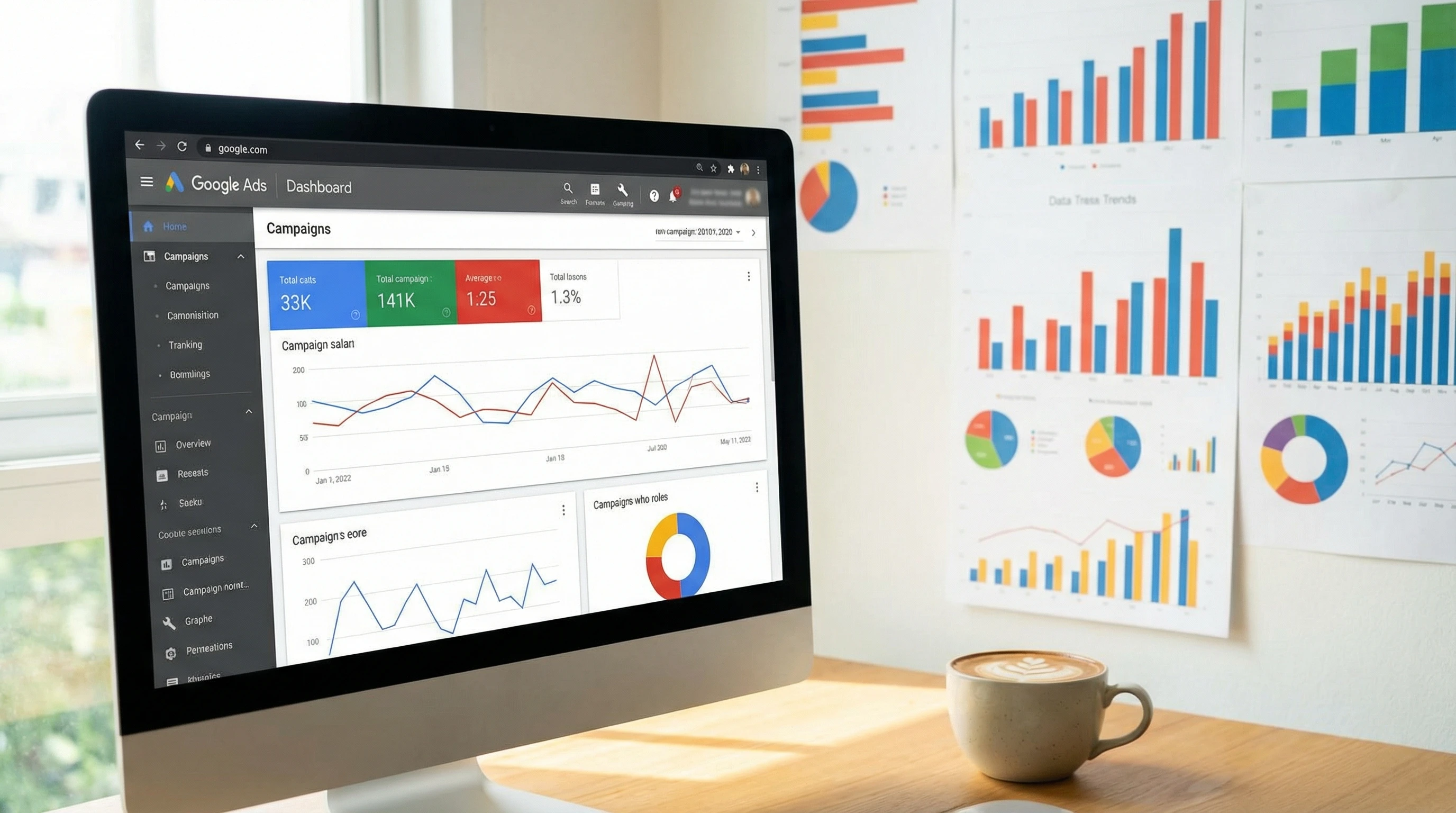
What Is Google Ads?
Google Ads is Google’s online advertising platform. It lets you create ads that show up when people search for something related to your business or browse websites that are a part of Google’s ad network. If you’ve ever searched for something and noticed results labeled “Ad” at the top, you’ve already seen Google Ads in action.
The main idea behind Google Ads is pretty simple. You choose keywords or audiences and then pay when someone clicks on your ad. This is known as a “pay per click” (PPC) model. It’s flexible, so you set your own budget, write your own ads, and can turn your campaigns on or off at any time.
Why Use Google Ads For Your Business?
Google Ads gives you a way to get in front of people who are already interested in what you offer. Here are a few reasons business owners and marketers find it really useful:
- Immediate visibility: Your ads can show up at the top of search results as soon as your campaign goes live.
- Control over budget: You decide how much to spend each day or month, without hidden costs.
- Measurable results: The built-in analytics let you see how your ads are performing in real time.
- Targeted reach: You can choose your audience based on keywords, location, age, interests, and more.
Plus, Google Ads offers options for nearly every business model, from service-based companies looking to drive phone calls, to e-commerce shops promoting eye-catching product listings directly inside search results. Since Google sits at the center of so much online activity, your ads can be found by just the right people at the right time.
Basic Terms And Concepts To Know
Stepping into Google Ads means coming across some industry terms. I’ll keep these as straightforward as possible, because knowing these really helps you make sense of your dashboard and reports:
- Campaign: The highest level of organization in Google Ads. Each campaign can have different goals, locations, and budget settings.
- Ad group: Subsections of a campaign, where you organize keywords and ads on a more specific topic or offer.
- Keywords: These are words or phrases you select that relate to your products or services. Google shows your ads to people using these terms to search.
- Bid: The amount you’re willing to pay for a click on your ad.
- CPC (Cost Per Click): The actual price you pay each time someone clicks your ad.
- CTR (Click Through Rate): The percentage of people who see your ad and end up clicking on it.
- Impressions: How many times your ad is shown.
There are a couple more terms worth knowing before jumping in:
- Conversion: Any action you want your visitors to take, such as buying, signing up, or calling your business.
- Quality Score: A 1–10 rating Google gives based on how well your ads, keywords, and landing pages align with each other and user intent. A higher score can lower your costs and boost your ad positions.
Getting Started With Your First Campaign
Setting up a campaign doesn’t need to be stressful. Here’s a quick breakdown of the basic steps that make up the process:
- Create a Google Ads account: Head to ads.google.com and sign in with your Google account. They’ll walk you through some basics, like your business info.
- Choose your campaign goal: Google will prompt you to pick an advertising goal, such as getting more sales, phone calls, website visits, or store visits if you’re local.
- Decide where to show your ads: You can have your ads appear in Google Search, on YouTube, Gmail, or websites that partner with Google.
- Select your target audience: Set locations, languages, ages, and more to focus your budget on people most likely to become your customers.
- Add keywords: Pick relevant search terms that your audience might use. Google will even suggest some based on your website.
- Write your ads: Come up with headlines and descriptions that catch attention and make it clear what you’re offering.
- Set your budget and bids: Tell Google how much you’re comfortable spending, and set your max cost per click bid (or let Google automate it for you).
- Launch your campaign: Double-check everything and hit “Publish.” Your ads can go live within a few hours.
If you want to jump in smoothly, take time to map out your goals. Are you trying to get more website visitors, get phone calls, or increase local store visits? This step shapes how your entire campaign will flow, so dig into your goals and get specific.
Key Things To Watch When Using Google Ads
Getting results from Google Ads takes a bit of trial and error. These are the big things I’ve watched for (and learned from) in my own campaigns:
- Budget: Start small, especially while learning. It’s easy to increase your ad spend once you see what’s working.
- Keyword selection: Pick keywords that are specific enough to attract people ready to buy, not those just browsing. For example, “buy running shoes online” is better than just “shoes.”
- Ad relevance: Make sure your ad text and landing page match what your audience is searching for. This improves your Quality Score (a Google Ads metric that affects cost and ranking) and leads to better results.
- Track conversions: Set up conversion tracking—this lets you see not just clicks but also what people do after clicking (like purchases or sign ups).
Keep in mind, optimizing your campaign means making little adjustments over time. You might find that certain keywords are costing too much without actually bringing in sales, or maybe your targeting is too broad. Being willing to tweak and test your ads is the key to ongoing success.
Common Challenges For Google Ads Beginners
I’ve seen a lot of new advertisers run into the same roadblocks, so here’s a rundown to help you sidestep frustration:
- High costs for popular keywords: Some industries pay a lot per click. Consider targeting long tail keywords. These are longer, less common phrases that attract a specific group of searchers and are usually more affordable.
- Traffic but no sales: If you’re getting clicks without leads, it’s time to review your ad’s wording and landing page to make sure everything lines up. Sometimes it’s as simple as making sure information on your website matches your ad promise.
- No impressions: This usually means your keywords are too narrow or your bid is too low. Tweak both to find the right balance.
- Not tracking performance properly: Without conversion tracking, you’ll never know if your campaign is actually making money. Take the time to set this up before spending too much.
Budget Management
It’s easy for costs to get away from you if you’re not paying close attention. I’ve found the best approach is to set a daily or monthly limit that fits your comfort zone. Google even paces your spending, so you won’t go past your chosen limit unless you’ve made adjustments.
Some advertisers also recommend checking your account daily, especially in the first week of a campaign, to make sure there are no surprises. If you find your budget maxing out quickly, pause and check your keywords or targeting settings to stretch your dollars further.
Keyword Research
Google’s Keyword Planner is free and pretty useful for finding keywords and seeing how many people are searching for them. Start with a batch of obvious keywords, then see what related terms Google suggests. Give some focus to “negative keywords” too—words you want to exclude so you don’t pay for irrelevant clicks.
When brainstorming keywords, put yourself in your customer’s shoes. What phrases would someone interested in your product or service actually type into Google? Consider misspellings or alternative terms, and build a solid list to cover all the angles.
Landing Page Quality
Your ads will perform better if your landing page matches what your ad promises. Use landing pages that are clear, relevant, and easy to use. Having a super slow or cluttered page can hurt your Quality Score and Google will end up showing your ads less often or charging you more for clicks.
Learning From The Data
The best thing about Google Ads is all the data it gives you. Check your reports regularly to see which ads, keywords, and targeting options are pulling their weight. Turn off stuff that isn’t driving results, and put more budget behind what’s working.
To get a clear picture, try segmenting your data by location, device, or time of day—sometimes your ads work much better for mobile users in the evening than for desktop users in the morning. Dig into patterns and adjust your targeting or bids to make the most of your best traffic.
Some Cool Google Ads Features Worth Trying
- Ad Extensions: These let you add phone numbers, sitelinks, locations, or more info to your ads. They can make your ad stand out and give users helpful info before they even click.
- Smart Campaigns: Google automates bidding and targeting for you. This is ideal for beginners who want to keep things simple.
- Remarketing: You can show ads to people who have already visited your site. This keeps your business top of mind and brings people back who might not have bought the first time.
As you get more experienced, experiment with things like image ads or video campaigns, which let you creatively show off your products. Google is always adding new tools and formats—exploring these can help your ads look next level cool and grab even more attention.
Real-World Examples
- Local bakeries: Local shops can use Google Ads to promote special deals or new menu items, targeting people within their delivery area using location targeting.
- Online stores: Ecommerce businesses often use Google Shopping ads to display product images and prices right in the search results, making it easier for shoppers to compare and click through.
- Professional services: Lawyers, dentists, or consultants can run ads targeting potential clients in their city. Using “call only” ads helps drive more phone inquiries.
- Home services: Plumbers, electricians, and cleaners can run local service ads to connect with people searching for urgent help nearby.
- Events and classes: Small event organizers, gyms, or tutors can create campaigns targeting those looking for activities in their area, sending them straight to booking or info pages.
Frequently Asked Questions
How much should I spend to start with Google Ads?
Even a small daily budget, like $5 or $10, can generate useful insights. Begin small and scale up as you see results that justify the extra spend.
How do I know if my Google Ads are working?
Use conversion tracking and check metrics like clicks, conversions, and return on ad spend in your dashboard. Google’s reports make it easy to see if you’re profitable.
Is it better to use automatic or manual bidding?
If you’re just starting out, Google’s automated bidding strategies (like “Maximize Clicks” or “Maximize Conversions”) can be really helpful. Manual bidding gives you more control once you feel comfortable with the system.
Do I need a website to run Google Ads?
Most of the time, yes. Some ad types, like local services or call only ads, don’t require a site, but having even a simple landing page improves your results by letting you tell your story more fully.
Can I use images or videos in my ads?
Yes! Google offers options like Responsive Display Ads and YouTube Video Ads, which allow you to use pictures or video to catch your audience’s attention. These ads appear on partner websites, YouTube, and in display networks, letting you reach people in creative ways.
Final Thoughts
Getting started with Google Ads is a practical way to give a boost to your business’s presence online. Understanding the basics of campaign setup, keyword research, and budget management goes a long way toward running ads that actually pay off. The best strategy is to test and learn, keep a close eye on your results, and don’t be afraid to pause or adjust campaigns if you’re not seeing what you want. With a bit of patience and curiosity, Google Ads can turn into a powerful tool for reaching your goals.