
Email segmentation is a strategy I rely on to improve email marketing results, boost engagement, and actually get responses from my subscribers. Instead of sending one generic message to every person on an email list, I break the list into different groups and send each group information they’ll care about. Whether I’m starting a new campaign or refining my email marketing, segmentation is something that can make a big difference in how people respond.
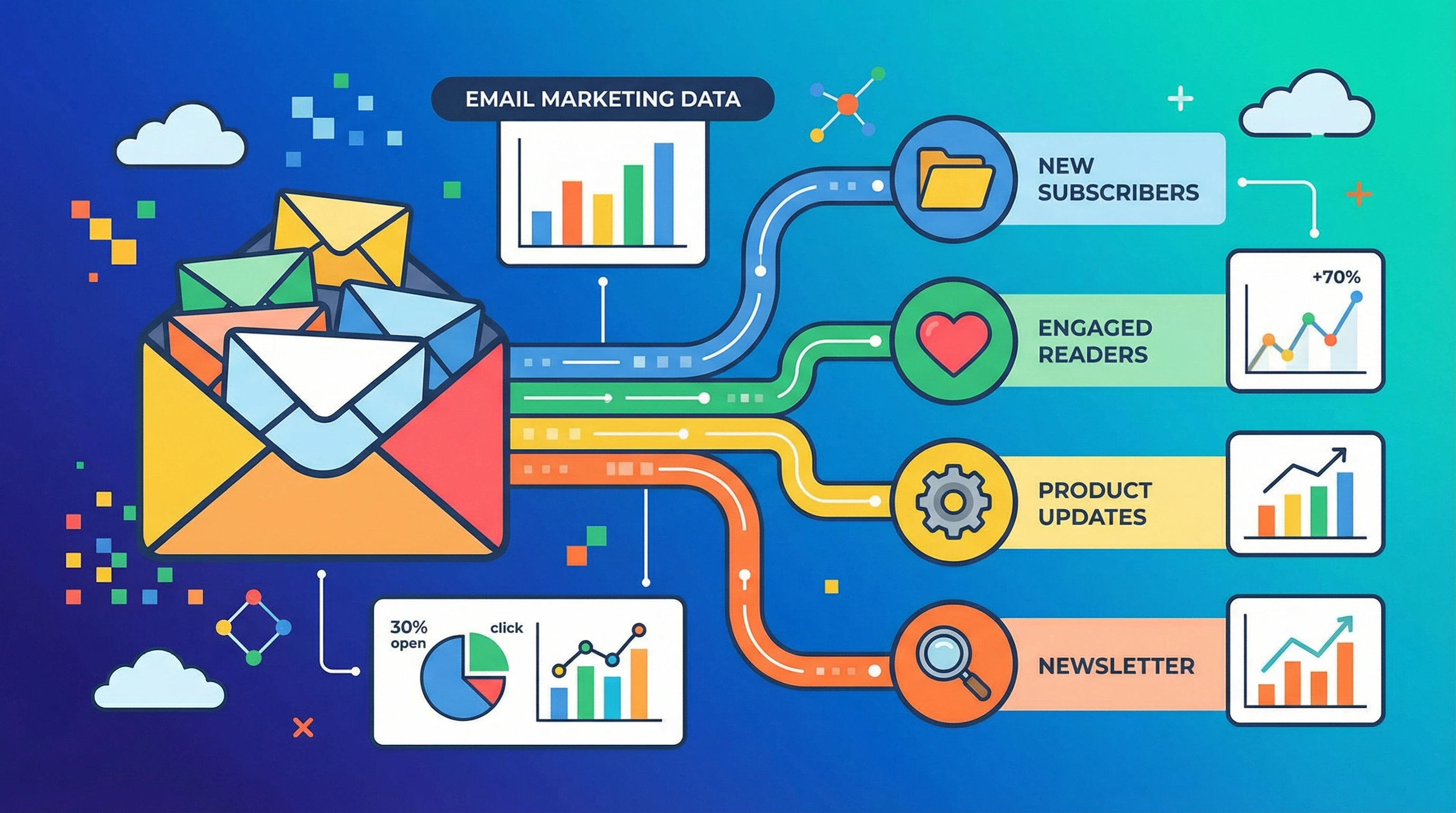
What Is Email Segmentation and Why Bother?
Email segmentation means splitting your audience into smaller groups based on things they have in common. I use categories like purchase history, location, age, sign up source, or even just how people have interacted with my past emails. The aim is simple: send more relevant emails so each message feels more personal.
Sending relevant content usually helps with open and click rates. According to Campaign Monitor, marketers who use segmented campaigns see as much as a 760% increase in revenue. That’s a pretty wild stat and a good motivator for learning about segmentation if you aren’t already using it (source).
Brands and creators have been switching up their approach because personalized emails tend to perform better than allinone bulk messages. Most people ignore emails that look generic or try to sell everything at once. Segmentation helps make every email feel more like a direct conversation instead of broadcast noise.
Getting Started With Email Segmentation
I’ve noticed that anyone can start simple with segmentation; no crazy skills required. Most email platforms like Mailchimp or ConvertKit include builtin tools to help you sort your list. Here are a few basic ways to segment an email list:
- New Subscribers: People who just joined often want a welcome series or an easy introduction.
- Engagement Level: Some people always open emails, while others skip most of them. I group active users differently from people who rarely engage.
- Shopping History: If you have an online store, segmenting by customer interests or past purchases gives really targeted results.
- Demographics: If you collect location, age, or other data, you can send locationspecific deals or choose language and products based on age group.
- Email Preferences: Letting subscribers pick topics lets you send newsletters on specific interests—travel, recipes, or business tips, for example.
The goal isn’t to overcomplicate things; just pick a few categories that feel important and grow from there. Even one or two segments can show better results than none at all.
Quick Guide to Building Effective Segments
Email segmentation might sound technical, but getting started is actually pretty manageable. Here are my steps for setting up effective segments:
- Start With Clear Goals: Do I want more sales, more event signups, or maybe just more people reading my newsletter? Clear goals keep segments focused.
- Collect Useful Data (Without Being Creepy): Most of my data comes from sign up forms, purchase behavior, app usage, or tracked email actions. I avoid asking for information people won’t feel comfortable giving.
- Set Up Segments in Your Email Tool: I create segments based on the data points I care about. Most email tools offer guided setup or templates to make this easier.
- Write Custom Content For Each Segment: This is where I tailor subject lines and messages to what each group wants or needs.
- Track What’s Working: I always check which segments respond best so I can double down on what works or tweak what doesn’t.
When I first tried segmentation, I started with small groups, like regular customers and new signups, and sent different emails to each. It’s definitely worth monitoring how people from each group interact with what you send. As you continue to work with your list, you may find new patterns or ideas to split your subscribers in a way that matches your goals even better. Don’t be afraid to experiment and adjust as you learn.
Things to Think About Before You Segment Your Emails
Segmentation is useful, but there are some things I always keep in mind before jumping in. Finding your way through these makes the work smoother and the campaigns more effective:
- Quality of Data: If you don’t have accurate data, segments won’t be that useful. I try to keep my lists updated and clean by removing old or bounced emails.
- List Size: Segmenting works best when your list is big enough to split into groups without making each segment too small.
- Getting Enough Info: Too many signup questions scare people away, but not enough info limits segments. I find a middle ground; ask for just what’s necessary and maybe offer extra content or deals in return for more information later.
- Legal Requirements: Privacy laws like GDPR mean I pay attention to what data I collect and always give people a way to update or opt out of my emails.
Quality of Data
The quality of your data, like names, behaviors, preferences, matters more than having a giant list. I do regular list cleanups, like removing unsubscribes and fixing broken email addresses, so my segments aren’t built on old info.
Balancing Size and Specifics
When I work with smaller email lists, getting too detailed can lead to segments with only a handful of people. If that happens, campaigns start to lose efficiency, since it takes more effort for less return. I always aim for balance; broader segments for smaller lists and more detailed segments as the list grows.
Legal Stuff and Permissions
Segmentation sometimes means dealing with more data about your subscribers. I always double check that I’m transparent about what I collect and let people know how they can manage their preferences or opt out any time. If you want more details on email privacy, this Mailchimp guide has lots of practical tips.
Building and maintaining good segments is doable for anyone ready to keep data clean and lists organized. Updating your segments now and then keeps your emails feeling fresh and personal. Each time you review your list, take a moment to look at who’s engaging and check if you’re grouping them in a way that matches their interests or behaviors.
Advanced Segmentation Tips
If you’re familiar with segmentation basics and want to take things up a notch, here are some ideas I’ve found super useful:
Behavioral Segmentation: I send followup messages based on stuff people have clicked in older emails. For example, when someone clicks a product link but doesn’t buy, I might send a discount or more info later.
Lifecycle Stages: Whether someone is a brand new signup or a repeat customer, mapping content based on where they are in the adventure has really helped me increase loyalty and sales.
ReEngagement Segments: Subscribers who haven’t opened an email in months usually get a special campaign from me, asking if they still want to stay subscribed or offering a special deal to get them back. Sometimes just a quick friendly nudge can turn a cold subscriber into an interested one again.
Dynamic Content: Some email platforms let me swap out parts of an email (like product recommendations or local events) based on where the reader lives or what they’ve bought before. This makes for super personal emails without a ton of extra effort.
Advanced strategies often need a bit more planning and testing, but they can pay off when you’re aiming for higher ROI or closer relationships with customers. Get creative and try segmenting based on brand interactions or survey feedback for nextlevel cool results.
RealLife Examples: What Email Segmentation Looks Like
I’ve seen a lot of brands using segmentation in clever, practical ways. Here are some examples of segments in action:
- Online Retail: Sites like ASOS or Amazon send birthday discounts, cart reminders, or product launches only to customers who’ve shown they care about those categories. This is smart because it respects what shoppers are most interested in and avoids flooding their inbox with stuff they’ll just ignore.
- Service Businesses: Local gyms send workout tips to active members and special offers only to people who haven’t visited in a while. It’s a good way to give a boost to engagement and win back lapsed customers.
- B2B SaaS Tools: SaaS providers send education emails to freetier users and upsell campaigns to paid accounts based on feature use. By giving each group what they need most, these companies make the most of every subscriber.
- Bloggers and Creators: I know folks who let readers pick topics up front (like finance, travel, or health) so every email feels like it was picked out just for that person.
Good segmentation isn’t about spamming everyone with more stuff; it’s about understanding what’s most useful for each reader. I check my analytics after each campaign, see which segments performed best, and keep experimenting with what works. Sometimes a small tweak—like splitting a list by location or last purchase—can set free new growth without much extra work.
Frequently Asked Questions
I get a lot of questions about email segmentation, so here are a few quick answers to the things most people want to know:
Question: How much information do I need to get started?
Answer: Even if you just know people’s names and their signup dates, you can create basic segments for welcome emails and regular updates. More info helps but isn’t required to see early results.
Question: Doesn’t segmenting take a ton of extra work?
Answer: Not really. Most email tools have features that do the heavy lifting once you have your data. I usually spend an extra hour or two setting things up, but it saves time later because I know I’m sending the right message to the right crowd.
Question: What if my email list is small?
Answer: Smaller lists benefit from light segmentation, like splitting new and returning subscribers. Once your list grows, you can get more detailed without losing impact.
Wrapping Up
Email segmentation is a really practical way to send people messages that actually matter to them. Whether your list is tiny or huge, making sure every subscriber feels seen and understood is great for marketing and brand connection.
Trying even simple segments can get you better results and open up more possibilities to build a loyal, active subscriber list over time. If you haven’t started segmenting yet, just pick one simple category and see how it changes your engagement. Over time, you’ll spot trends that help you reach each person more personally. Keep at it, experiment, and watch your results improve.