
Tracking and reporting are core parts of understanding what’s happening on your website or app, but moving into advanced tracking and reporting techniques unlocks insight that basic analytics just can’t reach. These tools help you get a much clearer picture of how users interact, where you can improve, and how to measure the real outcomes that matter for your business or personal projects. I’m digging into practical ways for you to step up your data game with advanced tracking and reporting. Think event management, custom dashboards, conversion funnels, and smarter attribution – all wrapped in advice that works whether you’re a small business owner or a growing startup.
Why Advanced Tracking Matters
Basic analytics, such as pageviews and bounce rates, only skim the surface. Advanced tracking lets you answer deeper questions about your audience and site performance. When you set up eventbased tracking or enhanced ecommerce analytics, you can learn what users are clicking, which content keeps them engaged, and how marketing dollars are actually translating to sales. This context helps you make decisions with real evidence, not just a hunch.
Digital analytics keeps evolving alongside new privacy standards, like GDPR or the phasing out of thirdparty cookies, so a more detailed tracking setup can help you adapt and keep your data accurate. According to Statista, businesses investing in advanced analytics tools see improved ROI and are better able to forecast growth compared to those sticking to standard website tracking methods. Stepping up your tracking isn’t just a power move, it’s a smart one for staying relevant and competitive.
Setting Up Advanced Tracking: Getting the Foundation Right
Upgrading to advanced analytics starts with choosing a flexible tool. Google Analytics 4 (GA4) has become the goto for lots of sites because it’s eventbased and much more customizable than Universal Analytics ever was. Other tools to look at include Mixpanel, Adobe Analytics, and Matomo, which all put heavy focus on tracking user actions instead of only counting visits.
Before tracking everything under the sun, I find it really helps to map out what you actually need to measure for your specific business or project. Are you tracking purchases, newsletter signups, interactions with a quiz, or custom video plays? Writing down a list of your business goals leads to a smoother tracking plan and a much tidier analytics dashboard.
- Tag Managers: These tools make it easy to add, remove, or adjust tracking tags without messing with your site’s code. Google Tag Manager (GTM) is one you’ll see everywhere. It’s handy for marketers who don’t want to bug their developers every time they need to track a new button or event.
- EventDriven Tracking: Instead of just counting page loads, eventdriven models track specific interactions (downloads, clicks, scrolls, and more). This is now the standard for any serious analytics tool because user paths are almost never as simple as moving in a straight line from entrance to purchase.
- Data Layer: Pushing detailed info into a data layer gives you serious flexibility, letting you track things like ecommerce details or custom loggedin user actions. This is super useful for reporting unique behaviors that standard tags might miss.
Core Advanced Tracking Techniques
Once you’ve got a tool like GA4 or Mixpanel set up, maybe with help from a tag manager, there are a few techniques that make a huge difference in your analytics:
- Custom Event Tracking: Track anything from video engagements to form submissions. For example, set up a custom event to track when users play, pause, or finish a video on your site. In GA4, this can be configured through the UI or by sending events with gtag.js or GTM triggers.
- Enhanced Ecommerce Tracking: For online shops, this method follows the entire shopping process: product impressions, addtocart actions, and completed purchases. The result is clearer insight into where shoppers drop off so you can improve those spots in your funnel.
- User and Session Scoping: Measuring user activity over multiple sessions paints a more accurate story than just seeing isolated visits. You can track total user engagement, lifetime value, and even how many times a person comes back before hitting a conversion goal.
- CrossDomain Tracking: If your website, app, or checkout lives on different domains, crossdomain tracking connects the dots so you’re not left missing half the data. You’ll see complete user journeys in your reports instead of fragmented visits.
Solving Common Tracking and Reporting Challenges
- Data Accuracy: Even with great tools, analytics can go sideways if your tracking codes fire multiple times, miss certain events, or get blocked by browser privacy settings. Regular audits help keep your data clean. Tools like Tag Assistant or debugging features in Google Tag Manager are really useful here.
- Channel Attribution: Standard lastclick attribution doesn’t tell the full story in a multichannel world. GA4 now supports datadriven attribution, which is much closer to the real influence each channel or touchpoint has for conversions.
- User Privacy: Modern browsers and regulations like GDPR mean you have to be upfront with what you’re tracking. Providing transparent cookie popups, honoring Do Not Track, and offering optout options keep you compliant and build trust.
- Data Sampling: Especially in free analytics tools, large sites hit limits that “sample” your data, which can skew insights. Upgrading to paid tiers like GA4 360 or switching to tools with no limits helps avoid this problem.
Debugging and Testing Your Tracking
Before relying on your tracking setup, always test it out. GTM’s Preview mode, browser add-ons like Google Tag Assistant, or even Chrome DevTools can show you what events are firing and when. Spending time here is smart in the long run; you’re less likely to make business decisions based on broken or missing data.
Advanced Filtering and Audience Segments
Segmenting data is a super important step once tracking is in place. Tools like GA4 let you break down users by demographics, traffic sources, or behavior. For example, you might want to see how visitors from an Instagram campaign behaved compared to those from Google. Filtering and building custom audiences allows for focused reporting and marketing efforts that really stick.
Making the Most of Your Data With Custom Reporting
Standard reports just don’t cut it when you’re looking for truly actionable insight. Creating custom dashboards or reports helps you zero in on the stuff you care about most. Here’s how I use these types of reports in real projects:
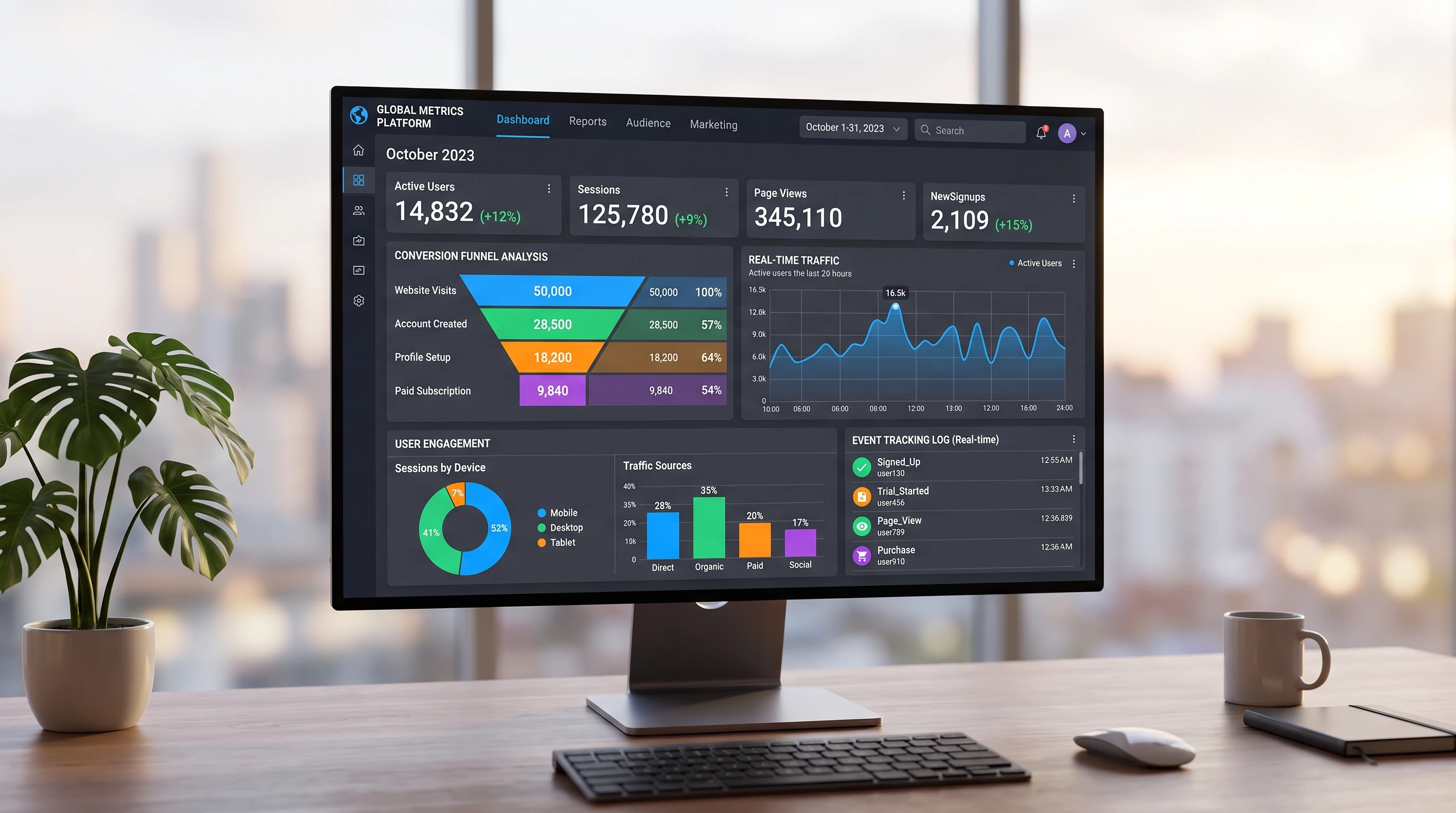
- Custom Dashboards: Mix the stats you use most – top landing pages, highest converting buttons, and realtime goal completions – into one easy-to-scan view. Both GA4 and Looker Studio (formerly Data Studio) make this simple to set up.
- Conversion Funnels: Visualize the entire path from site entry through all the key interactions to the final conversion. This makes it easy to spot where people drop off and highlights where you should focus on boosting engagement.
- Scheduled Reporting: Set up automated reports to get your key metrics sent right to your inbox every week or month. This keeps everyone in the loop without needing to log in constantly.
RealWorld Uses for Advanced Tracking and Reporting
I’ve seen advanced tracking change the way businesses make decisions. An ecommerce client I worked with finally spotted that their addtocart button was hidden on mobile, after tracking button engagement more closely. A redesign led to a 25% boost in mobile sales. Another startup used crossdomain tracking to measure their actual conversion rate from visitors landing on a blog, then jumping over to a product signup domain – something they couldn’t measure with standard analytics alone.
- Product Improvements: By tracking feature clicks and user sessions, teams see exactly what users love, ignore, or get stuck on. This information is crucial in prioritizing updates that matter.
- Marketing ROI: Knowing how much revenue comes from specific campaigns, not just visits, means you can invest more where it pays off and cut wasted advertising spend.
- Personalized Experiences: Segmented data helps you show special offers to new versus returning users, or trigger chatbots tailored to specific browsing behavior.
Frequently Asked Questions
Question: What’s the best tool for beginner to advanced tracking?
Answer: Google Analytics 4 with Google Tag Manager works for almost any website. If you need deeper insights or are running apps, Mixpanel or Amplitude are worth checking out.
Question: How do I know if my tracking setup is working?
Answer: Use GTM’s Preview mode, test real user actions while watching your analytics tool in real time, and set up alerts for unexpected changes in traffic or conversions.
Question: What are common mistakes when setting up advanced tracking?
Answer: The biggest issues are double-counting events, missing tracking on new features, or not updating tracking after big site changes. Regular reviews help catch problems early.
Getting Results With Advanced Tracking and Reporting
Advanced tracking and reporting gives you a real edge by letting you see more, track more, and respond faster to what your data’s telling you. You get the full story, not just the basic numbers, making analytics a true driver for better action and growth. Staying up-to-date and always improving your setup keeps your insights sharp and your business moving forward.