
Mobile marketing offers businesses a flexible way to reach customers, but the number of tools out there can make choosing the right one a bit confusing. I’ve spent a good chunk of time trying out different platforms, so I’ve put together a practical guide to help you figure out what matters most when it comes to picking a mobile marketing tool for your business.
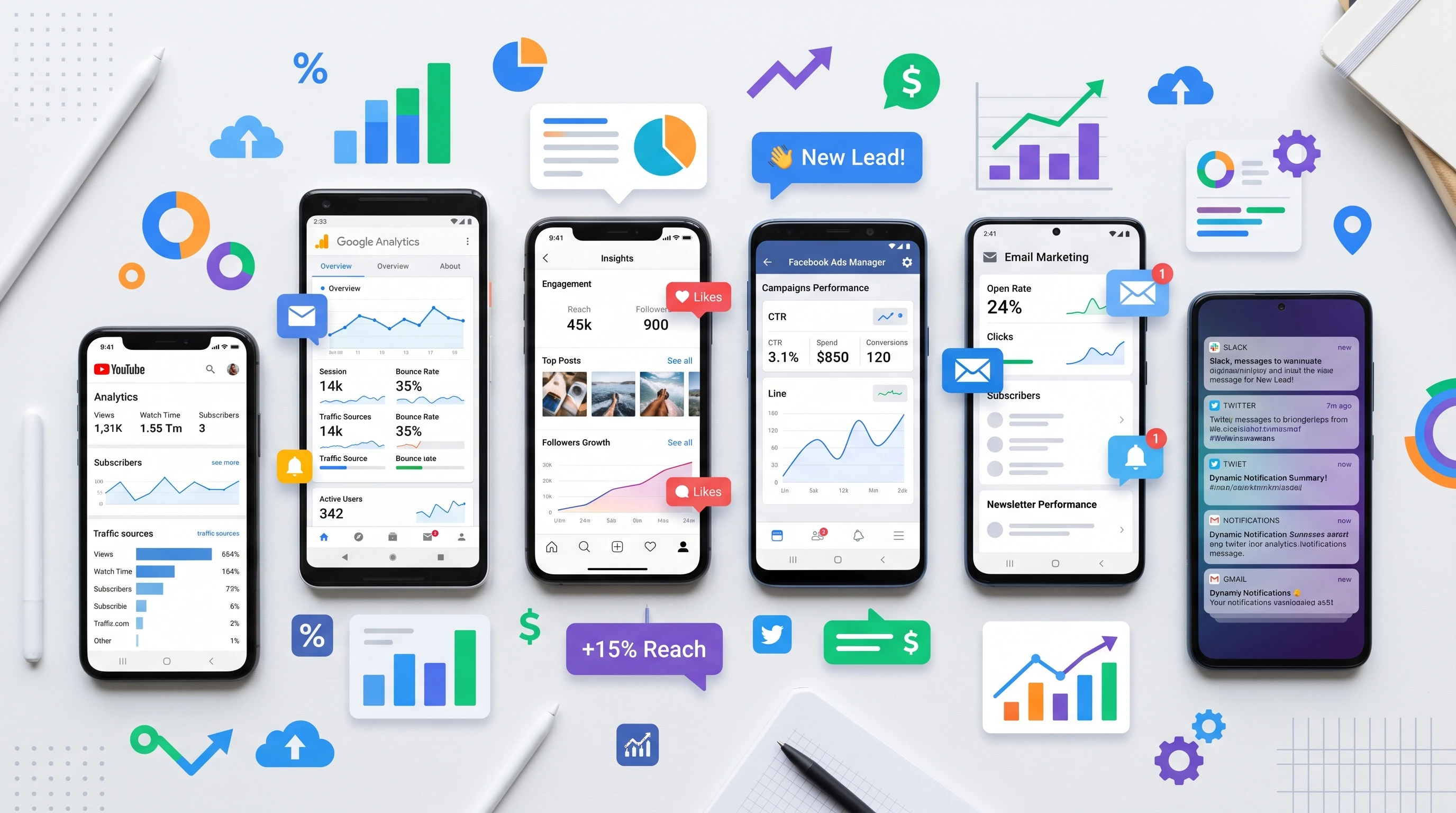
Why Mobile Marketing Tools Matter for Your Business
Getting mobile marketing right is really important if you want to connect with people where they spend most of their time: on their phones. As more folks browse, shop, and interact via mobile, having the right tool can save you time and headache, plus help you run better campaigns. The mobile marketing space keeps growing, with experts projecting that businesses will put even more of their budget into mobile channels over the next few years. This growth makes sense; nearly everyone has a smartphone these days, so meeting your customers right where they are is just smart business.
Mobile marketing platforms are much more than just SMS blasters or push notification apps now. Many have powerful features for automation, analytics, and personalized messaging. Picking a good one can make your campaigns more effective without sinking tons of time into setup and daily management. Not only do they help you reach customers faster, but they also let you analyze what’s working and tweak campaigns for even better results.
Starting Out: What to Know Before You Choose
Kicking off your research means figuring out exactly what you want to get from a mobile marketing tool. Different businesses need different things. If you run an online shop, you might need cart abandonment reminders or real time offers. If you’re a small service business, maybe simple appointment reminders do the trick. Here are some key terms and features to keep an eye out for:
- Push Notifications: Instantly reach customers on their home screen with updates, offers, or reminders.
- SMS and MMS Messaging: Send text or multimedia messages to users for things like promotions, alerts, or check-ins.
- In-App Messaging: Messages that pop up when users are using your app, which is handy for giving a boost to engagement.
- Mobile Wallet Integration: Let folks store coupons, loyalty cards, or tickets right on their phone’s wallet app.
- Automation Workflows: Set up automatic responses or message sequences based on what your users do or don’t do.
Step-by-Step Guide to Choosing a Mobile Marketing Tool
Narrowing down the right platform doesn’t have to be complicated. Here’s my process for sorting out what’s going to work best for a business, especially if you’re getting started and want to avoid headaches later:
- Define Your Goals: Know whether you want to drive sales, boost app downloads, keep customers engaged, or just send quick alerts.
- Pinpoint Your Target Audience: Figure out if your audience prefers apps, SMS, push notifications, or a mix of everything.
- List the Features You Need: Automation? Sophisticated segmentation? Reporting dashboards? Make a checklist of the tools you want.
- Set a Budget: Mobile marketing platforms go from free tools up to plans costing hundreds per month. Decide what you’re willing to spend.
- Request Demos or Try Free Trials: You’ll spot strengths and shortcomings much faster by actually using a tool than by reading about it.
Tackling these steps gives you a clearer picture. It also helps keep you from overspending on a tool packed with features you’ll never use.
Things Worth Thinking About Before Investing
There’s a lot of talk about all the cool things mobile marketing tools can do, but there are real factors to consider before you commit. Here are some common pain points I’ve noticed, plus tips on how to deal with them:
- Deliverability: Make sure the platform doesn’t just send messages—it actually gets them to your users, especially for SMS across different carriers.
- Integration: The tool needs to plug into your existing systems (like your website, CRM, or ecommerce platform) without loads of custom coding.
- User Experience: Both for you (does the dashboard make sense or is it a mess?) and your customers (are messages clear and not spammy?).
- Analytics: Check if it tracks opens, clicks, conversions, and unsubscribes. This info is important for figuring out what’s working.
- Compliance: Follow privacy regulations like GDPR or CANSPAM. The tool should have built-in ways to manage consent and optouts.
Deliverability and Reliability
Some platforms claim huge delivery rates, but real world results can vary, especially for international users. Ask about their experience in your region and, if possible, test with your contacts. For push notifications, make sure they get through even on different phone brands and operating systems.
Integration With Your Other Tools
I’ve run into headaches with platforms that don’t play nicely with others. Pick one that’s ready to sync up with whatever you’re already using, such as Shopify, WordPress, HubSpot, or Zapier. Many tools have prebuilt integrations or easy APIs. If you need to call a developer every time you want to change something, managing campaigns becomes a hassle.
Real Costs (Not Just Sticker Price)
Some tools look cheap upfront but charge extra for things like higher messaging volumes, integrations, or premium support. Read the fine print and ask for a breakdown of all potential fees before you get too invested with a provider.
Customer Support
If something goes wrong (and it eventually will), you’ll want to know there’s help. I look for live chat or phone support, plus good reviews from other users about how responsive the company is. Good support can save you hours of frustration if an integration or message delivery isn’t working the way you expected.
Features That Make a Tool Worth Considering
Certain features always stand out as useful, no matter what business you’re in. Here’s what I look for when reviewing a new mobile marketing tool:
- Segmentation: Send targeted messages to different groups based on purchase history, location, app activity, and more.
- AB Testing: Try two versions of a message or campaign and let the tool pick the winner automatically.
- Personalization: Add names, locations, order details, or special offers unique to each user.
- Multichannel Support: Manage SMS, push, email, and maybe social DMs all from a single dashboard.
- Scheduling & Automation: Set up campaigns in advance and automate responses to user actions, like sending a thank you after a purchase.
RealWorld Uses and Examples
I’ve seen businesses transform their customer relationships by getting serious about mobile messaging. Here are some practical ways folks use these tools:
- Loyalty Rewards: Automate the delivery of points, birthday discounts, and personalized offers to encourage repeat business.
- Appointment Reminders: Avoid no-shows by sending friendly reminders via SMS or push before appointments.
- Flash Sales: Announce limited-time deals to specific audience segments for a fast spike in sales.
- Abandoned Cart Recovery: Nudge customers to finish purchases with a timely message and a special deal.
Another powerful example comes from small restaurants using these tools for lunchtime specials. By scheduling SMS messages to go out just before the lunch rush, they see more foot traffic and higher sales. Nonprofits make use of mobile messaging for event updates and donation reminders, helping keep supporters in the loop without relying solely on email, which can get overlooked during busy days.
Frequently Asked Questions
Here are some common questions businesses ask when choosing a mobile marketing tool:
Question: Can I use one tool for SMS, push notifications, and email?
Answer: Yes, plenty of tools bundle these channels together now. Omnichannel platforms make it much easier to manage your messaging in one place.
Question: How do I know which messages are working?
Answer: Most good mobile marketing platforms have dashboards showing open rates, click rates, conversions, and unsubscribes. Some even recommend what to improve next time for better results.
Question: What if my contacts want to opt out?
Answer: Every reputable tool makes it easy for users to unsubscribe and gives you ways to manage those requests automatically. Following local regulations on privacy is also important, so having these management tools is vital.
Question: Is there a risk of annoying my customers?
Answer: Absolutely. Overdoing it with too many or poorly timed messages will push folks away. Good mobile marketing platforms offer settings to control how often you message different groups and allow for segmentation to prevent message fatigue.
Takeaway: Finding a Tool That Fits How You Work
Picking a mobile marketing tool comes down to matching your business goals, budget, and tech setup with a platform that feels easy to use and actually brings value. Taking the time to compare features, test drive options, and ask for feedback from your team or customers goes a long way. Starting small, focusing on what really matters for your business, and looking for a platform that can automate routine work helps you get more engagement with less effort. It’s smart to check on new features every now and then since mobile marketing tools keep getting updates that might offer fresh ways to connect with your audience.
Mobile marketing keeps changing, but with the right tool, you can stay ahead and make stronger connections with the people who matter most to your business. Remember—staying flexible and willing to adjust your approach is key in this space. Don’t be afraid to try out something new and see what clicks with your audience.