
Most small email lists get the same message every time. A person who joined yesterday gets the same email as someone who has been reading for a year. Someone who bought your recommended tool last month gets the same pitch for it again this week. Everyone is treated as one reader, and that costs you clicks and, with them, affiliate commissions.
How to segment your email list is a question with a short answer for a one-person business: build three or four groups from behavior you can already see, test each one against your normal broadcast, and stop there. You do not need twenty segments, a tagging system that takes an afternoon to explain, or a spreadsheet with color codes. This article picks up after the list exists. If you are still at the stage of getting subscribers, start with building your first profitable email list from scratch and come back.
Why one email to everyone is quietly costing you commissions
An affiliate commission needs a click, and a click needs an email that fits the person reading it. A broadcast written for everyone fits almost nobody well. It is too basic for the long-time reader, too assumed for the newcomer, and irrelevant to the person who already bought the product you are promoting.
The cost is hard to see because nothing visibly breaks. The email goes out, a few people click, a sale or two lands, and the result looks acceptable. You never see the commissions that a more fitting email would have produced. The only way to find out is to send a fitting email and compare.

There is a second cost. Subscribers who keep receiving offers that do not apply to them learn to ignore your emails or unsubscribe. A list that ignores you is worth less than a smaller list that opens and clicks.
The only data you need to start
Segmentation sounds like it needs a lot of data. For a small list it needs three things, and your email platform almost certainly records all of them already:
- Sign-up source: which form, lead magnet or page the person joined through.
- Clicks: which links in your emails they have clicked.
- Purchases: whether they bought something you recommended or sold.
Sign-up date comes with the sign-up source, so you get “how long have they been subscribed” for free.
Purchases are the one you may have to work for. If you sell your own product, most platforms can tag buyers automatically through an integration. With affiliate offers, you usually cannot see who bought, since the affiliate network holds that information. In that case you can use a proxy: a subscriber who clicked your link and then clicked a follow-up like “Did you get set up?” is a likely buyer. Another option is a one-question email asking people to reply or click a “yes, I got it” link. It is imperfect, but it is a signal you collected honestly.
Check your platform’s terms for what it calls these things. Some call them tags, some call them segments or groups, and the features differ in price and depth. The comparison of five popular email marketing platforms covers how they differ if you are weighing a switch.
Segment 1: Split new subscribers from people who have been around a while
This is the easiest segment to build and often the most useful. Date of sign-up is already in your list, so you can create it without tagging anyone by hand.
New subscribers do not know you yet. They do not know what your site covers, what you recommend, or why. Putting them in a separate group lets you send them an introduction: your best three articles, what to expect from your emails, and one low-pressure recommendation. Many platforms can automate this as a short welcome series that starts when someone joins.
Long-time subscribers have already seen that material. They can take a more direct email, such as a new recommendation, a comparison, or a deal that ends soon. Sending them the beginner explanation again wastes their time, and sending a hard pitch to a brand-new subscriber who has not yet decided to trust you wastes the relationship.
Pick a cutoff and stick with it. Thirty days is a reasonable starting point: anyone who joined in the last thirty days is “new,” and everyone else is “established.” You can change it later once you see how your list behaves.
Segment 2: Group people by what they clicked, not what you assume they want
It is tempting to guess what subscribers want based on what they signed up for. Clicks are better evidence, because they record what a person actually did with an email you sent.
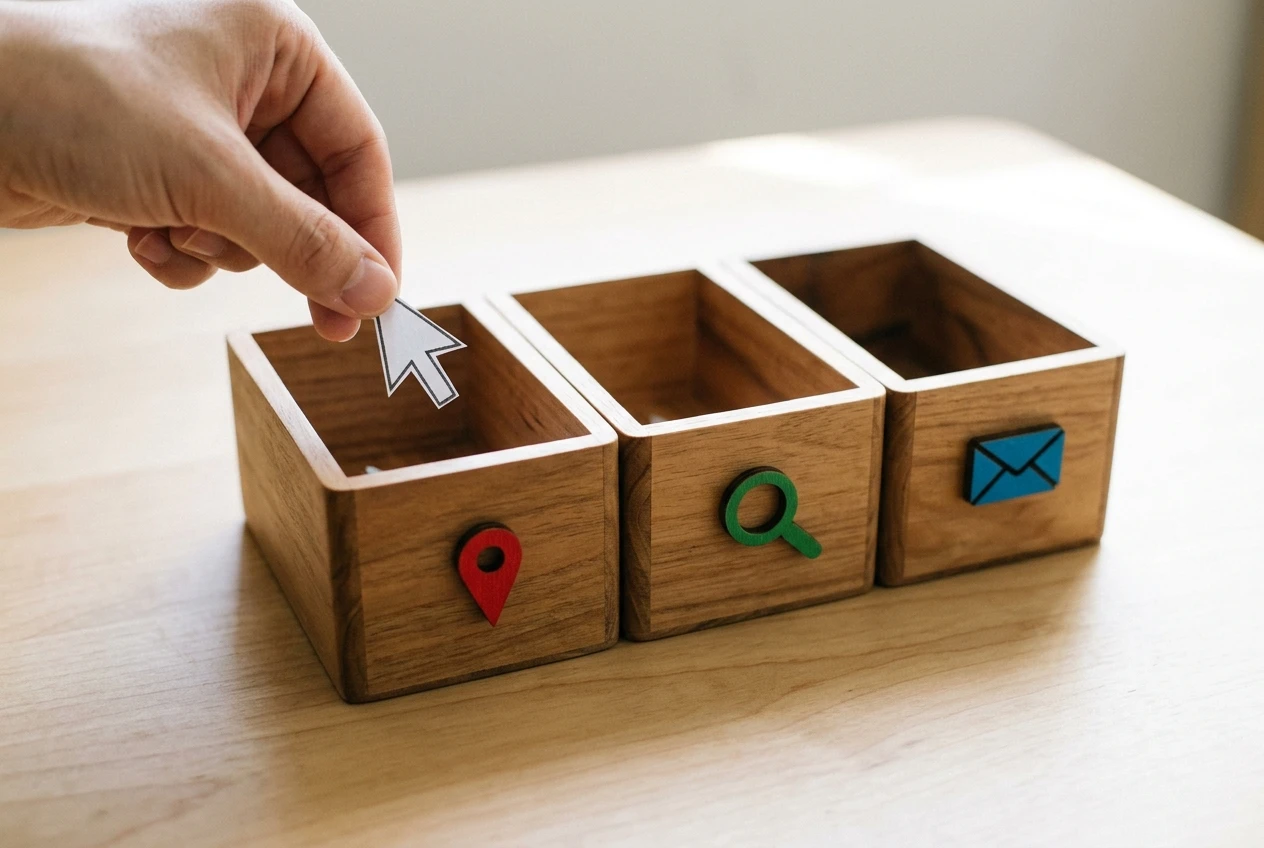
Say your list covers digital marketing and you send emails about email tools, Pinterest, and SEO. Someone who clicks three Pinterest links in a month is telling you something that their sign-up form did not. You can tag that person “Pinterest” and send them the Pinterest tool recommendation, while the person who keeps clicking the email platform links gets that offer instead.
To keep this simple:
- Choose two or three topics that match the main categories of your affiliate offers.
- Make sure every email you send contains at least one link clearly tied to a single topic.
- Set a rule in your platform: when someone clicks a link in a given topic, add that topic’s tag.
A single click is a weak signal, so decide how strict you want to be. One click is enough to start. Two clicks on the same topic within a couple of months is a stronger signal, and you can raise the bar once your list is big enough to spare the people it excludes.
Resist the urge to tag everything. If a topic only has a handful of clickers, leave it as part of your general broadcast until it grows.
Segment 3: Separate buyers from browsers so you stop pitching the same offer twice
A subscriber who bought the product you recommend does not need to hear about it again. Sending them the same pitch looks careless, and it can cost you their attention for the next email, which might be an offer they would have bought.
Create a “buyers” group for each major offer if you can see purchases, or a general “customers” group if you can only see them for one or two. Remove that group from future broadcasts about the same offer. Then give buyers something different: a related recommendation, a tip for getting more out of what they bought, or a check-in asking how it is going.
Browsers are the other half. These are people who clicked the offer but, as far as you can tell, did not buy. They are warmer than someone who never clicked, and they may have a question or an objection. A follow-up that addresses the most common hesitation, such as price, setup difficulty, or whether it suits beginners, will usually fit them better than repeating the original pitch. Write it from what you know about the product itself, and tell them where to look for details you do not have.
How to test a segment against your regular broadcast and read the result honestly
A segment is only worth keeping if it beats what you were already doing. The test is straightforward.
Take one segment and split it randomly into two halves. Many platforms have a built-in A/B split that does this. Send one half the targeted email and the other half your regular broadcast on the same topic, at the same time of day. Then compare the two groups.

Judge by clicks and commissions. Open rates are unreliable now because many mail apps load images automatically, which counts as an open whether or not a person read anything. The click rate, meaning clicks divided by the number of people who received the email, is a cleaner number. If you can match commissions to the send, that is the number that pays you.
Small lists make results noisy. If each half has 150 people, a difference of two or three clicks could be chance. Some ways to read the result without fooling yourself:
- Repeat the test. One send tells you little. If the targeted version wins across three or four sends, that is a pattern.
- Change one thing at a time. If the targeted email also has a different subject line, a different offer and a different length, you cannot tell which change made the difference.
- Write down the result before the next send. Memory flatters whatever you did last.
- Accept a tie. If a segment performs the same as your broadcast, it is not worth maintaining. Drop it.
A segment that wins by a large margin on a small list is still worth trusting more than one that wins by a small margin, but neither is proof. You are looking for a result that keeps showing up.
Keeping it manageable: when to add a segment and when to leave it alone
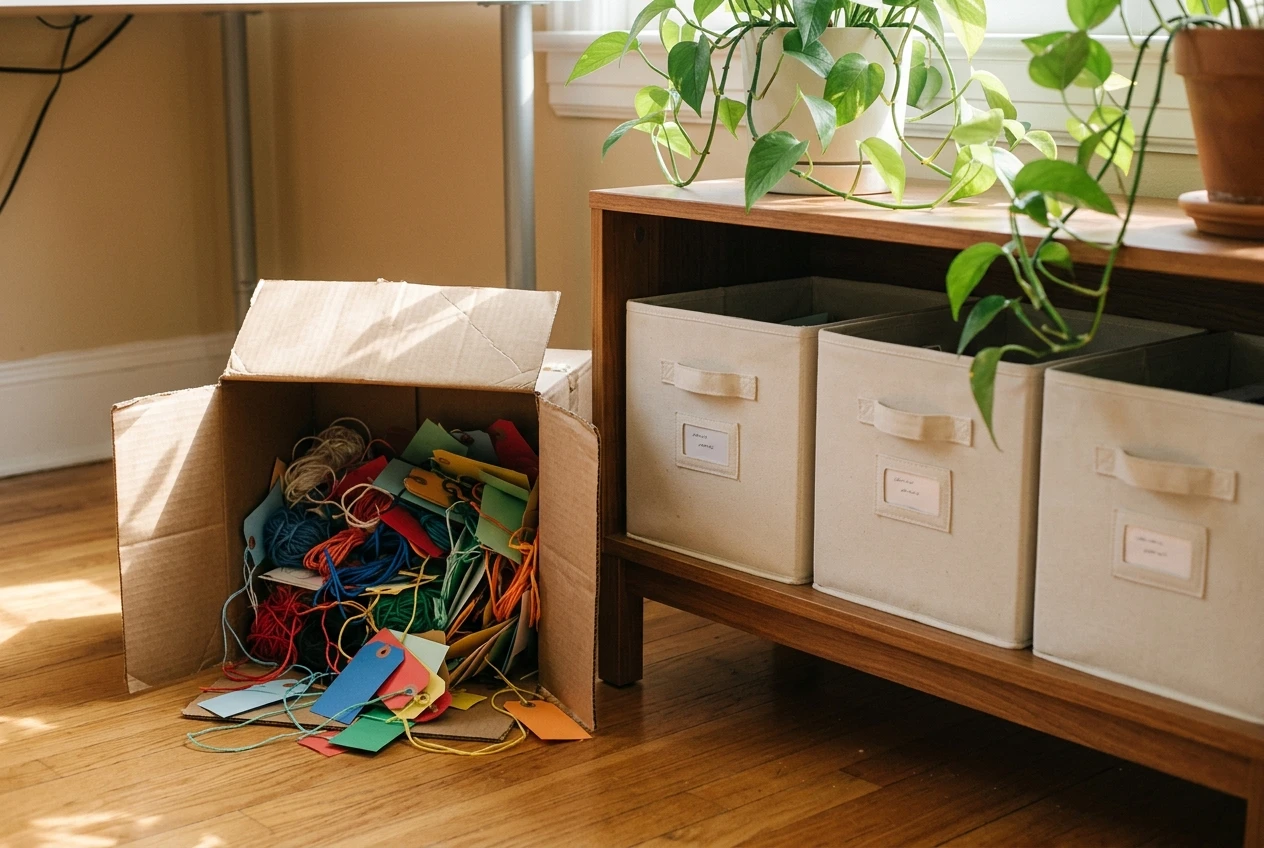
The reason to stop at three or four segments is upkeep. Every segment you add needs a rule that keeps it accurate, content written for it, and a regular check that it still works. One person can maintain three groups. Twenty groups will go stale within a month, and an out-of-date segment sends the wrong email to the wrong person, which is worse than the broadcast it replaced.
Add a segment only when all of these are true:
- You have a specific email you want to send that does not make sense for everyone.
- The group is big enough to produce a meaningful test result. If it is under a few dozen people, wait.
- You can build it from data your platform already collects, without tagging people by hand.
- You will actually send to it at least once a month.
Remove a segment if it fails the test twice, if you stop sending to it, or if the rule that fills it breaks and you do not want to fix it. Deleting a segment you are not using is as useful as building a new one.
It also helps to keep a single note listing each segment, what puts someone into it, and what you send it. If you cannot describe a segment in one line, it is too complicated.
Segmenting without crossing the line on consent and privacy
Segmenting means using information about people, so how you collect and use it matters. The safe approach is to use only what people gave you or generated through their own actions on your emails: the form they filled in, the links they clicked, what they bought from you.
A few habits keep you on the right side:
- Tell people what you track. A line in your privacy policy saying that you note which links subscribers click, to send more relevant emails, is plain and honest.
- Honor unsubscribes immediately. Every email needs a working unsubscribe link, and a person who leaves a segment has left your list, not just that segment.
- Disclose affiliate links. Follow the disclosure rules that apply where you and your readers live, and put the disclosure where people will see it.
- Do not guess at sensitive traits. Tagging people by health, finances, or anything else personal, based on what they clicked, is a step beyond sending a relevant offer. Stick to topics and purchase behavior.
- Collect as little as you need. If you will not use a piece of data in a segment, do not store it.
Rules differ by country and by platform, so read your platform’s terms and the law that applies to you. For a closer look at why this matters, see the importance of data privacy and consent.
Your next step
Open your email platform today, pick one segment from this article, and send it a single targeted email this week. Then compare its clicks against your last broadcast. If you are still choosing a platform, start with the comparison of five popular options.