
Affiliate marketing is one of those online business models where small changes can truly impact your earnings. Tracking and analyzing your affiliate marketing performance is pretty handy for figuring out what’s working, what needs a tweak, and how you can scale up your efforts. I’m sharing my best tips and tools to make tracking feel less like guesswork and more like a straight-up business growth move.
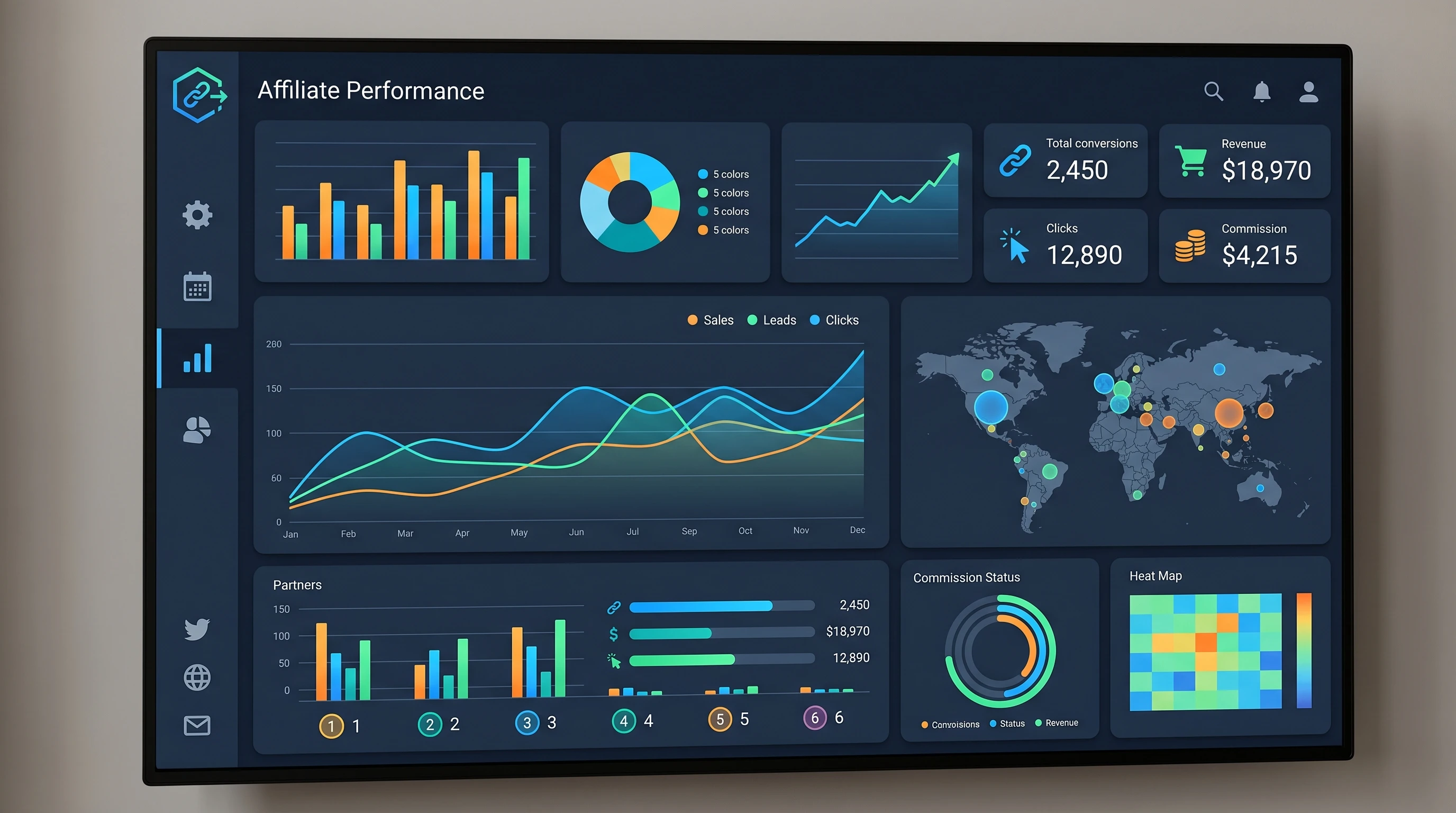
Why Tracking Affiliate Marketing Performance Matters
When you’re promoting products as an affiliate, knowing where your clicks and sales are coming from is super important. Without tracking, you might be wasting time or money on strategies that don’t pay off, or you could miss out on opportunities to double down on stuff that’s working. The affiliate marketing world is pretty competitive, and staying sharp with your analytics can help you get an edge.
On the back-end, tracking also helps you spot trends over time. Maybe your audience enjoys certain types of content, or certain platforms simply bring in more cash. Using performance data isn’t about obsessing over every number. Instead, it’s about understanding what works best for your style and your followers.
Getting Started: Affiliate Tracking Basics
Getting your affiliate tracking set up doesn’t have to be complicated. Most affiliate programs give you a dashboard with basic tracking tools, but it’s usually a good idea to go past the basics if you’re serious about optimizing your performance. Here are a few terms you’ll probably see a lot:
- Clicks: The number of times people click on your affiliate links.
- Conversions: When someone clicks and actually makes a purchase (or completes a desired action).
- EPC (Earnings Per Click): How much money you make, on average, each time someone clicks your affiliate link.
- Conversion Rate: The percentage of people who click and then end up converting.
- Commission: The amount you earn for each sale or lead.
Most programs, like Amazon Associates or ShareASale, provide these details. Once you’re comfortable, you can mix in more advanced tools so you’re not just watching numbers, but actually getting insights from them.
Top Tools for Affiliate Tracking and Analytics
Affiliate dashboards are helpful, but third-party tools can really give your strategy a boost. Here are a few tools I personally use and recommend:
- Google Analytics: Extremely useful for tracking where your visitors come from and what they do on your site. Adding UTM parameters to your affiliate links lets you see which links perform best in which places.
- Pretty Links or ThirstyAffiliates (WordPress plugins): These tools help you manage, cloak, and track affiliate links straight from your website. I find this easier than hunting through endless spreadsheets.
- Voluum or ClickMeter: Powerful trackers for those who want in-depth reports, with features like AB testing, geotargeting, and device-level breakdowns.
- Affiliate network dashboards: Networks like CJ Affiliate, Rakuten, and Impact offer a lot of built-in analytics. It’s worth checking these first before paying for external tools.
Setting up UTM tags and regularly checking your analytics dashboard lets you know exactly how each campaign or link is performing. This helps you figure out what content or traffic source deserves more attention and effort.
Key Performance Metrics Worth Tracking
Not every number is equally useful. Some metrics give you better clues about what’s actually helping you earn more. Here are the ones I check the most frequently:
- Traffic sources: Shows where your audience is coming from (Google, social media, email, etc.).
- Topperforming content: Which blog posts, videos, or pages are driving the most sales or clicks?
- Average order value: Helps you decide whether higher ticket items or smaller, frequent purchases work better with your audience.
- Repeat vs. new customers: Are people coming back to click your links, or are these mostly firsttimers?
- Device and location: Sometimes, mobile users convert better, or certain regions respond well to specific offers.
Tracking these gives you a clear idea where to focus your next campaign. For example, if your mobile traffic is high but conversions are low, maybe your landing page needs work or a smoother experience for mobile users.
StepbyStep Guide: Tracking Affiliate Links Like a Pro
Running an affiliate blog or website? Here’s how I keep track of everything:
- Create trackable links: Use tools like Pretty Links or ThirstyAffiliates to create short, branded URLs for your affiliate offers.
- Add UTM parameters: These tags (source, campaign, medium, etc.) help you pinpoint exactly where your traffic comes from in Google Analytics.
- Organize your links: Group by product, campaign, or platform. A tidy system saves a lot of time later.
- Check performance weekly: Pop into your analytics tools and look at your top and bottom performers. Adjust your strategies as you spot trends, like particular posts picking up steam or losing momentum.
- Test regularly: Try different placements, CTAs, and even different affiliate programs. Small tests (like headline changes or button colors) can totally change your conversion rate and uncover new best practices.
Tracking doesn’t have to feel like a chore. Once you get in the habit, it turns into a quick and really helpful part of your routine. Consistency is your friend here, especially as your campaigns expand.
Common Challenges When Analyzing Affiliate Data
Sometimes tracking affiliate performance isn’t as smooth as you’d like. Some issues come up more than others:
- Delayed reporting: Not all affiliate networks update in real time; there could be a day or two lag before your numbers show up.
- Cookie policies: Ad blockers or privacy features can sometimes prevent click and conversion tracking, making your stats less accurate.
- Attribution confusion: Sometimes it’s tough to know exactly which channel “gets credit” for the sale if a customer interacts with multiple campaigns on different platforms.
- Broken links: If you’ve used the wrong URL or a product gets discontinued, you might lose out on commissions until it’s fixed.
Doublechecking your links, keeping your plugins updated, and watching for pattern changes can help you avoid these pain points. If you notice a sudden drop, check for broken links or recent plugin issues to fix things quickly.
Advanced Tips for Better Affiliate Marketing Insights
Once you’re tracking the basics, you can get into deeper tactics to help your affiliate earnings grow fast. Here’s what works for me:
Segment your audience: Look at demographics, interests, and devices to see which group responds best to your content. For instance, your Instagram followers might like fashion products, while your blog readers are more interested in tech gadgets.
Set goals and compare over time: Use Google Analytics “Goals” or conversion tracking to see how changes impact your affiliate income. Comparing month over month gives you a real sense of progress and the effect of your adjustments.
Keep up with seasonal trends: Certain products do much better around holidays or special events. Build campaigns to make the most of these surges and plan ahead for busy periods.
Use AB testing: Try out different calls to action, link placements, or even different affiliate programs. Testing is a straightforward way to spot quick wins and optimize for better results.
Tracking and analyzing is really about setting experiments, trying new ideas, and letting the results shape your business decisions for the long haul.
RealLife Example: How Data Can Power Up Your Earnings
I remember running two similar articles: one review and one roundup. After tracking for a month, I realized the roundup actually brought in double the clicks but fewer conversions. It turns out, clear product comparisons in the roundup helped users decide, but when people were really ready to buy, they came back to the single product review. By linking the roundup to the full review, I boosted both clicks and sales. Tracking let me spot this pattern and refine my strategy.
- Reviews versus roundups: Test to see which type gets your audience more involved, and notice where conversions actually happen.
- Seasonal spikes: I often see more action just before the holidays. It’s a great time for special content and deals that your audience is looking for.
Frequently Asked Questions
Question: What’s the fastest way to start tracking affiliate marketing performance?
Answer: Start by using your affiliate network’s dashboard and set up Google Analytics with UTM links for more details. Plugins like Pretty Links make it simple if you’re on WordPress.
Question: How do I know which traffic source is giving me the best results?
Answer: Check your analytics for conversions by traffic source, usually found under “Acquisition” in Google Analytics. This shows you which social, email, or organic channel drives the most sales and which ones you should keep focusing on.
Question: Should I pay for advanced tracking tools?
Answer: If you’re growing and want more insights, advanced tools offer deeper analytics and automation. Beginners will find free dashboards and Google Analytics plenty to start with. As your affiliate business grows, investing in premium tracking makes more sense.
Final Thoughts
Tracking and analyzing your affiliate marketing performance helps you grow smarter, not just work harder. Whether you’re using free dashboards or advanced plugins, focusing on the right metrics and learning from your data is super important for anyone wanting to build a steady affiliate income. Keep testing and stay curious; the numbers usually have a story to tell, and it’s up to you to make them work in your favor. Over time, a data-driven approach will set you up for lasting success in affiliate marketing.