
Your site likely has a few posts that get steady visits and almost no clicks on the affiliate links inside them. Those pages are the best place to start, because the hard part, getting readers there, is already done. What is left is making the page do its job.
This article gives you a six-check audit to run on one published post at a time. Five checks look at the page itself: link placement, anchor text, context match, mobile speed and stale offers. The sixth, click tracking, you set up first so you can measure everything else. Plan on an afternoon for your first post, and less for each one after it.
Why a page with traffic and no clicks is the cheapest fix you have
A new post costs hours of research and writing, then weeks or months of waiting for search engines to rank it. An existing post with traffic costs you an edit and a few days of watching numbers.
The click rate on a page is also the part of the chain you control most directly. You cannot make Google send more visitors, but you can move a link, reword a button or replace a dead offer in ten minutes. If a page gets 1,000 visits a month and 5 clicks, a small improvement in how the links are presented can matter more than doubling traffic would.
Low clicks usually come from one of a handful of causes, and each of them is checkable:
- The link sits too low on the page, or looks like plain text.
- The anchor text tells the reader nothing about what they will get.
- The product does not match the reason the reader landed there.
- The page loads slowly or breaks on a phone.
- The link is dead, the offer has ended or the price has changed.
- The links are not tracked, so you cannot tell what is happening.
The audit works through those causes in an order that puts the cheapest fixes first.
Pick your audit pages: how to find posts with views but weak link clicks
Start with a list of candidates, not a single guess. You need two numbers per post: page views over a recent window, and affiliate link clicks over the same window. Ninety days is a reasonable window because it smooths out weekly swings. Shorter works if you have a lot of traffic.
For views, use whatever analytics you already run. If you have not set up Google Analytics properly, the five questions worth answering in Google Analytics will get you to a usable page-views report quickly. Google Search Console adds the queries that bring people to each page, which becomes important in Check 3.
For clicks, use your affiliate network or program dashboard, a link-tracking plugin or the click events you set up in the next section. If you have no click data yet, use views alone for now and build the click side as you go.
Then rank your posts by views, highest first, and write down the click count next to each one. Divide clicks by views to get a rough click-through rate. The exact percentage matters less than the comparison between your own pages. You are looking for:
- Posts in your top ten by views with a click rate well below your site’s average.
- Posts that mention a product by name but send almost nobody to it.
- Posts that used to perform and have dropped, which often points to a stale offer.
Pick the one post with the most views and the weakest clicks. That is your first audit page. Keep the rest of the list for later.
Set up click tracking so you are not guessing
Tracking is the sixth check, and you do it first, because every fix after it needs a before and after number. Without it, you will change three things at once and never learn which one worked.
You need to know, for each link on the page, how many people clicked it. Several setups can give you this:
- Your affiliate network’s reporting. Most networks show clicks per link or per tracking ID. This is the quickest option if your programs offer it, though some programs only report sales, not clicks.
- A link management plugin or redirect tool. Routing links through a short branded URL on your own domain lets you count clicks yourself and update a destination in one place when an offer changes.
- Click events in your analytics. Analytics tools can record outbound link clicks, and with a little setup, which link on which page was clicked.
Whichever you choose, add a unique tracking identifier per post where the program allows it, so clicks and sales trace back to the page they came from. If you have two links to the same product in one post, label them differently, for example one in the intro and one in the comparison table. That lets you see which position earns the clicks.
Also check that your affiliate links carry the rel=”sponsored” attribute, which is what Google recommends for paid and affiliate links, and that a disclosure appears near the top of the page. This is part of keeping the page in good standing, and fixing it costs nothing.
Before moving on, write down your baseline: views and clicks for the last 30 to 90 days on your audit page. Put it in a spreadsheet now. You will use it in the last section.
Check 1: Does the link show up before the reader gives up?
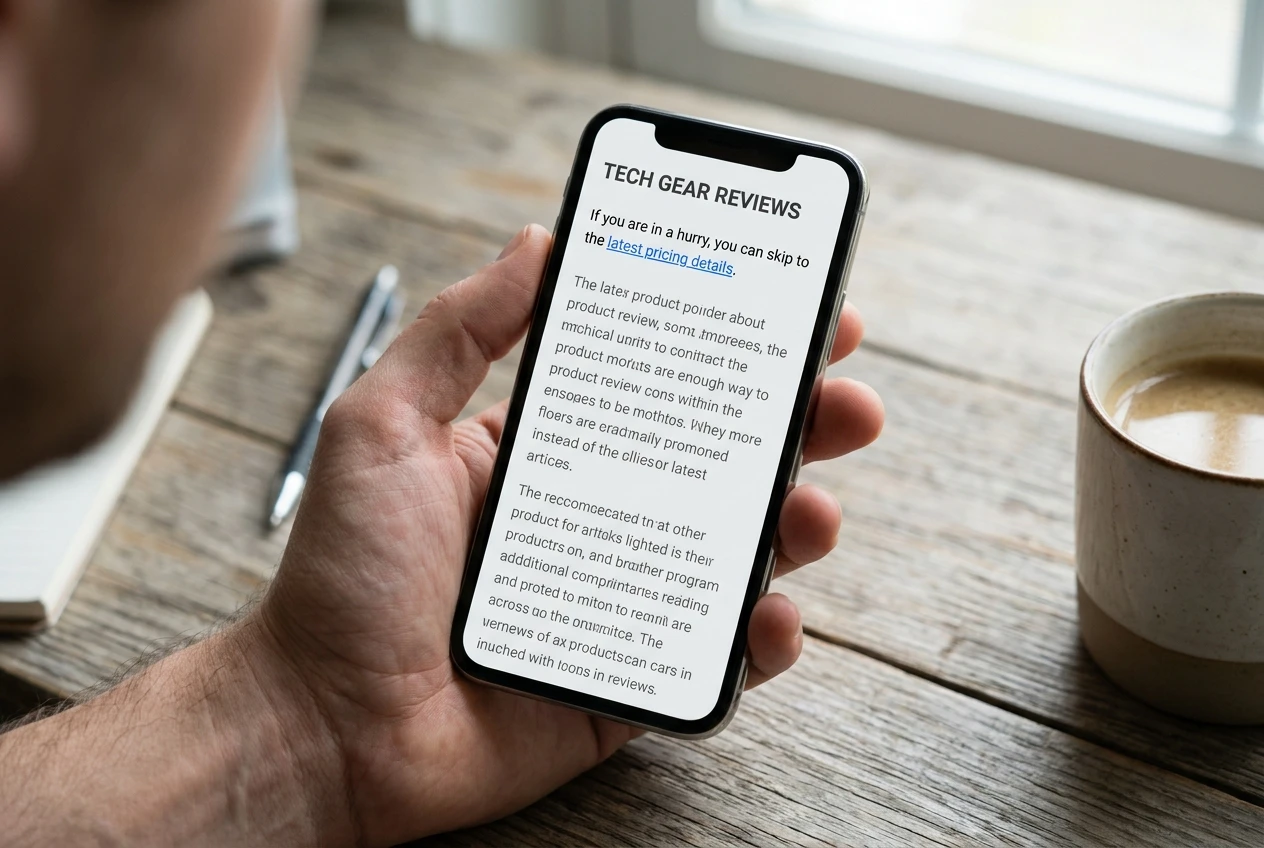
Open the post as a stranger would. Without scrolling past the first screen, can you tell that the page recommends something and where to click to see it?
Many posts bury the first affiliate link in the fourth section, after a long introduction and a lot of background. A reader who came for a quick answer may have left by then, or may have found the answer and have no reason to keep scrolling.
Look at three things:
- Where the first link appears. If the post is about a specific product or a short list, a link should appear in the opening section, not just near the end.
- How often links appear. One link in 2,000 words is rarely enough. A link where a product is first named, one in the section that covers it and one in the closing recommendation is a reasonable spread for a review.
- Whether the link looks clickable. Links that match body text with no color or underline get overlooked. Your theme’s default link style may help or hurt here.
The fix is usually a move, not a rewrite. Add a short pointer to the product in the first paragraph or two, such as a sentence naming the pick and linking to it, then let the rest of the post make the detailed case. Resist the urge to add ten links. Repeating the same link every other paragraph reads as pushy and makes your genuine recommendations look less trustworthy.
This is the cheapest check on the list, so make the change, note the date and move on to the next one only after you have logged it.
Check 2: Does the anchor text say what happens when they click?
Anchor text is the clickable words. Weak anchors include “click here”, “this link”, “check it out” and a bare product name with no reason to click.
A reader decides whether to click in a fraction of a second, based on those few words. A good anchor tells them what is on the other side: a price check, a feature list, a free trial, a comparison. Compare these:
- “Click here” tells the reader nothing.
- “See current pricing for the Pro plan” tells them what they will see.
- “Start the free trial” tells them what they can do.
- “Read the full spec list on the maker’s site” tells them where they land.
Match the anchor to the promise the link actually keeps. If the link goes to a sales page, do not word it as if it goes to a free guide. A mismatch can earn the click but loses trust, and it can hurt conversions after the click.
Go through each affiliate link on the page and rewrite any anchor that fails the test. Keep them natural: anchors should read as part of the sentence, not as a stack of keywords. If you use buttons, make the button text a verb plus an outcome, such as “Compare plans” or “Get the template”, rather than “Submit” or “Learn more”.
This takes about fifteen minutes on a typical post. Log it as a separate change from Check 1 so you can compare results.
Check 3: Does the offer match what the reader came to the page for?
This check needs the most thought. Take the post’s main search query, which you can find in Search Console, and ask what the reader wanted when they typed it.
Someone searching “best budget laptop for students” wants a short list with prices. Someone searching “how to fix slow WordPress site” wants a fix, and may or may not want a product. If your post answers a how-to question but your only affiliate link goes to a premium tool for a different problem, the clicks will be few because the offer does not follow from what the reader asked.
Compare the query against the product you promote:
- Does the product solve the problem the reader searched for? If not, either swap the offer or add a more relevant one.
- Is it right for their stage? A beginner reading a basics post will rarely click through to an advanced, expensive tool.
- Does the post lead naturally to the offer? The recommendation should appear at the point where the reader has just understood why they need it.
Sometimes the fix is a different program. If your current offer is a poor match for your audience, the six tests for choosing affiliate programs can help you pick a better one. Sometimes the fix is adding a short section that bridges the gap between the reader’s question and the product.
If the page is meant to send visitors to a single action, the same principles apply as on a dedicated page, and the guide to building a landing page covers how to focus a page around one next step.
Check 4: Is the page slow or awkward on a phone?
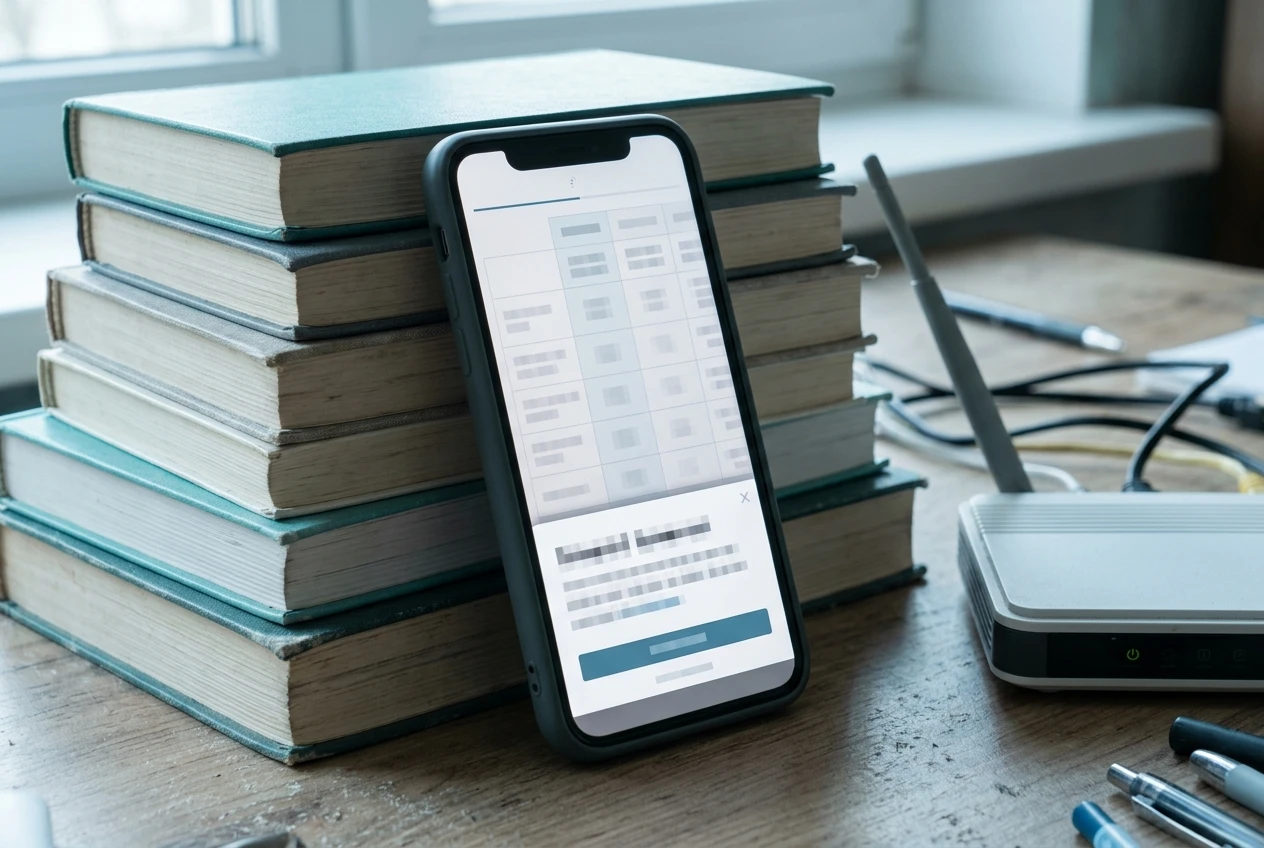
Load the post on your own phone, on mobile data, not on your home wifi. Then run the URL through Google’s PageSpeed Insights, which reports mobile and desktop results separately and lists what is slowing the page down.
Watch for these on mobile:
- Slow loading. Large uncompressed images are the most common cause. Resize and compress them, and let the page load them lazily.
- Layout shifts. If the page jumps while loading, readers tap the wrong thing or lose their place.
- Pop-ups and banners covering the content. A cookie banner plus a newsletter pop-up plus a sticky ad can leave little visible page.
- Tables that run off the screen. Comparison tables are often where affiliate links live, and many themes handle them badly on narrow screens.
- Tiny tap targets. Links packed close together in a list are hard to hit with a thumb.
If the problems come from your theme or builder rather than from individual images, it may be worth reading how the options stack up in the comparison of website builders for affiliate marketers, which tests speed and setup. Switching platforms is a big job, so treat it as a later decision, not part of this afternoon’s audit.
For now, fix what is cheap: compress images, remove one of the stacked pop-ups, and make sure any table with links scrolls or stacks properly on a phone. Then test again and note the new speed score alongside your click numbers.
Check 5: Are the links, offers and prices still live?
Posts age. The program you promoted may have changed its commission, closed or moved to a different network. The product may have a new version, a new price or no longer exist. A reader who clicks a dead link rarely comes back.

Go through the page link by link, clicking each one in a private browser window:
- Does it reach a working page? A 404 or a redirect to a homepage means the link needs replacing.
- Does the page show the product you described? If you named a specific plan, check that it still exists.
- Do the prices and terms in your text match the destination? If you quoted a price, either update it or remove it and link to the pricing page instead.
- Is the tracking still attached? Some redirects strip your affiliate ID. Check that your ID appears in the final URL or that your dashboard registers the click.
- Is the offer still active? Check your affiliate dashboard for program notices, and look at any limited-time deals you mentioned.
Where a product has been replaced, update the post to reflect the new version. Where a program has closed, swap in an alternative and rework the recommendation text so it still fits. Also check for outdated language such as “this year” or a year in the heading that is now behind you.
A routine like this is worth repeating every few months on your top pages, because dead links accumulate quietly and clicks fall with no visible cause.
Keep an audit log: change one thing, wait, and compare
The log is what turns a one-off cleanup into a method. It can be a spreadsheet with these columns:

Date Post Check What changed Clicks before Clicks after Notes
Fill it in as you work. The most important rule is to change one thing at a time on a given page, or at least to make each change on a separate day. If you move the link, rewrite the anchor and compress the images on the same afternoon, a rise in clicks cannot be traced to any of them.
Order your fixes by effort. Work from cheapest to most expensive:
- Dead links and stale offers (Check 5), since broken links lose every click.
- Anchor text (Check 2), a few minutes of editing.
- Link placement (Check 1), a small move or addition.
- Mobile fixes (Check 4), from image compression up to theme changes.
- Offer match (Check 3), which may mean new research or a different program.
After each change, wait long enough to collect a fair sample. A week is the minimum for a page with solid traffic, and two to four weeks for pages with fewer visits. Compare clicks per hundred views before and after, not raw clicks, since traffic moves around on its own. Small differences on small numbers are noise, so give a change more time before judging it.
Over a few posts, patterns show up. You may find that moving the first link up helps on every review post, or that mobile fixes matter more than anything else on your site. Those patterns tell you what to apply to new posts before you publish them.
If you also want to build the rest of your income plan around the clicks you earn, the roadmap to your first $1,000 in digital marketing lays out where this kind of work fits.
Pick your single best-traffic post today, run the six checks on it, and log the before and after click numbers. Then do the next post on your list.