
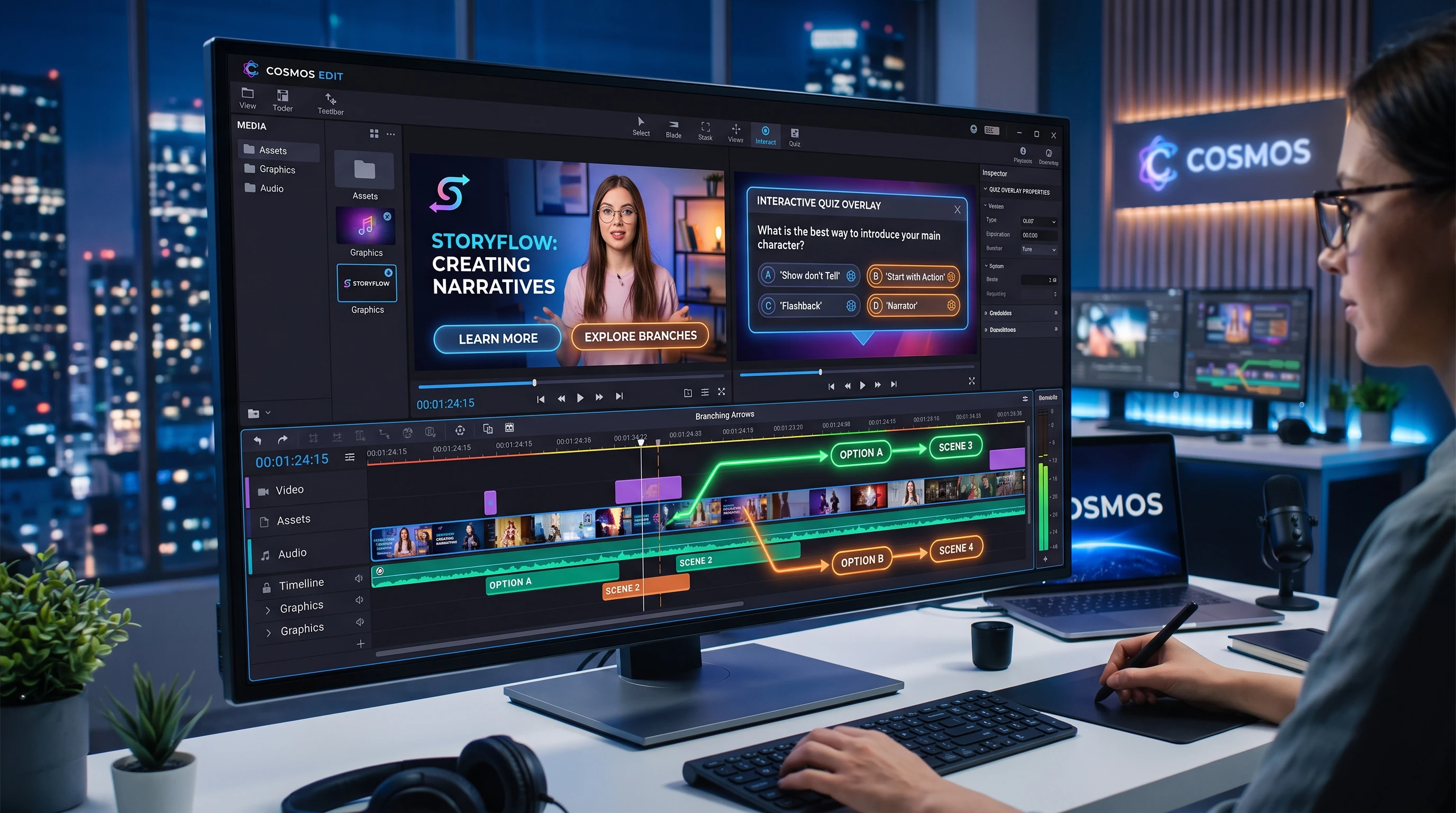
Bringing interactive elements into video content opens up all kinds of creative ways to make videos more engaging and memorable. From clickable hotspots to chooseyourownadventure storylines, interactive videos invite viewers to participate instead of just watching passively. I’ve noticed a big switch up in how both creators and audiences view video. Now, it’s as much about getting involved as it is about being entertained. Here’s how anyone can approach making their own video content more interactive, no matter their experience level.
Interactive Video Content: Why It’s Catching On
Video platforms and tech tools have evolved a lot in the last few years, making interactive elements more accessible. People are getting used to swiping, tapping, and choosing their path through stories. According to data from Wyzowl’s Video Marketing Stats, viewers are more likely to finish an interactive video than a traditional one. This isn’t just a trend among entertainment channels. Education, business training, and marketing are all jumping on the interactive video bandwagon because it grabs attention and boosts retention.
Back when I started making videos, interactive features were mostly reserved for bigbudget productions. Now, even solo creators and small brands have tools that let them add quizzes, polls, and clickable menus. This is helping video become a twoway experience that feels more personal and dynamic for viewers. Even longform content benefits, as people are more likely to stick with a video that gives them a role in what happens next.
Types of Interactive Elements for Video
There’s a wide range of interactive features you can add to your videos, and each one helps achieve a slightly different goal. Here are some options I find really effective:
- Clickable Hotspots: These let viewers click on specific parts of the video to bring up extra info, jump to another video part, or link out to a website.
- InVideo Quizzes and Polls: Embedding simple questions or polls right in the video lets creators test viewer knowledge or gather real-time feedback.
- Branching Storylines: Think chooseyourownadventure. Viewers decide what path the story takes, which makes each viewing unique.
- Shoppable Links: For product videos, clickable objects let viewers shop without ever leaving the video player.
- 360° Navigation: Allowing the audience to pan around within a 360° video puts them in control of what they see.
There are even interactive transcripts and annotated timelines, where viewers can click a word or section to skip around efficiently. Mixing in different types of interactive elements keeps things fresh and helps serve multiple audience preferences.
Getting Started with Interactive Video Creation
Jumping in can feel a bit overwhelming with so many options and tools. The best approach is to start simple and build as you go. Here’s a way to begin:
- Pick Your Goal: Figure out what you want your video to do. Should it teach something, promote a product, or tell a story?
- Choose the Right Tool: There are userfriendly platforms out there, like H5P, Interactr, or Adobe Captivate, that make adding interactive features much easier.
- Map Out the Experience: Sketch a simple flowchart so you know where each clickable element, quiz, or story path will fit in.
- Test and Adjust: It’s a good idea to share a beta version with friends or team members to see if everything works intuitively.
Following these steps will keep things organized and manageable while you learn what works for your audience. It can also help prevent tech headaches down the line, as you’ll catch design flaws before your viewers do.
Big Things to Think About When Planning Interactive Videos
Interactive video projects can run into a few common challenges, especially if you’re adding these features for the first time. Here are some practical things to watch out for:
- Device and Platform Compatibility: Some interactive features don’t always work smoothly on every device or platform. While most desktop browsers support interactivity, mobile apps or video platforms may strip out clickable elements.
- Video Hosting Requirements: Not all video hosts (like YouTube) allow customized interactive overlays, so sometimes you’ll have to host videos on specialized platforms.
- Loading Speed: Too many interactive features can slow down the experience, especially on slower connections.
- User Experience: Adding interactivity is great, but if features are confusing or interrupt the flow, viewers might lose interest.
By keeping an eye out for these issues, you ensure your interactive efforts won’t be wasted. Building a checklist of possible issues makes troubleshooting much easier, helping you provide a smoother viewing experience.
Compatibility Issues
One of the first things I check before adding a lot of bells and whistles to a video is that my chosen tool works everywhere my audience watches from. For example, if your viewers use tablets or smartphones to watch, test the video there as well. Interactive content might require viewers to use a specific browser or interact with the video in a certain way, so including instructions can help things go more smoothly. Being upfront with viewers about what is supported saves frustration for everyone involved.
Choosing the Right Hosting Solution
Sites like Vimeo and Wistia offer some builtin interactive features, but dedicated interactive video platforms such as Vizia, Wirewax, or Eko take it even further. Each has its pros and cons around price, analytics, and customization, so it pays to ask around or check out free plans before committing. Remember to read reviews from other creators to see which platform lines up with your goals.
Balancing Features and Performance
Adding too many clickable areas or quizzes can bog things down. Focusing on one or two key interactive moments within a video usually works best; in my experience, viewers stay curious without getting overwhelmed or frustrated. If you notice that interactions cause buffering or disrupt the story, try removing a few and stick with the ones that really matter.
Cool Ideas for Using Interactive Video
There are a lot of ways to make interactive video work for your message. Here are a few examples where I’ve seen these techniques really add something special:
- Product Guides: An electronics brand I worked with used interactive links in their product demos, letting viewers jump right to the part they cared about; setup, troubleshooting, or tips.
- Employee Training: I’ve created onboarding videos with branching choices, which helped new team members learn procedures at their own pace and replay tricky sections easily.
- Event Promotion: An event planner in my network used a short, branching video invite with RSVPs, and it got a much higher response than static invites.
- Education: Schools and online courses now add quick quizzes or flashcards midvideo, which helps keep students paying attention.
Thinking about your audience and what they’d enjoy or get value from goes a long way when building out these ideas. Even evergreen video content, like tutorials, can benefit from interactive layers. This sort of creative thinking encourages more clicks and much stronger engagement on just about any topic.
Frequently Asked Questions
Anyone experimenting with interactive video for the first time usually hits a few of these questions:
Question: What do I need to make interactive videos?
Answer: You just need a basic video, an idea for interaction, and a platform that supports adding clickable or interactive features (like H5P, Interactr, or Adobe Captivate). No fancy coding required.
Question: Do interactive videos work on mobile devices?
Answer: Most modern solutions try to offer mobile support, but results can vary. Always test your video on a phone or tablet before sharing widely.
Question: Can adding interactivity hurt the video’s performance?
Answer: Sometimes adding lots of features can slow down loading or make things confusing, so it’s smart to keep it simple and userfriendly. If you notice lag, try cutting back on highres images or the number of clickable spots.
Question: How can I track viewer engagement?
Answer: Many interactive video platforms include analytics, so you can see where viewers are clicking, how long they stick around, and which paths they take through branching stories.
Extra Tips for Interactive Video Success
Getting the most out of interactive video is about more than just the technology. Here are a few things I’ve learned that make a real difference:
Keep It Simple: Focus on a few fun or useful features instead of trying to do everything at once.
Think Like a Viewer: I find it helpful to test each interactive idea from my audience’s perspective. Does it feel natural, or does it distract from the message?
Measure and Adjust: Pay attention to your analytics, then tweak or swap out elements that aren’t getting clicks or engagement.
Edit with Storytelling in Mind: Interactive features work best when they blend into the story or purpose of the video, rather than feeling like random add-ons.
Interactive video is rapidly changing how creators connect with their audience. By starting with tools that fit your goals, focusing on your viewers’ experience, and constantly testing new ideas, you’ll find yourself building videos that people really want to watch; and take action on. It’s a fun space to experiment, and there’s plenty of room to try new ideas and see what clicks. As the technology behind interactive video continues to grow, creators who adapt and experiment will keep finding new ways to set their videos apart and truly get viewers involved.

