
Pinterest SEO is one of my go-to strategies to boost website traffic and brand awareness. If you’re aiming to get your Pins in front of more people, understanding how Pinterest’s search engine works in 2026 can really level up your results. With millions of users searching Pinterest daily for inspiration, learning how to work with the platform’s algorithm brings in a steady stream of visitors and grows your audience in ways you might not expect.
Why Pinterest SEO Still Matters in 2026
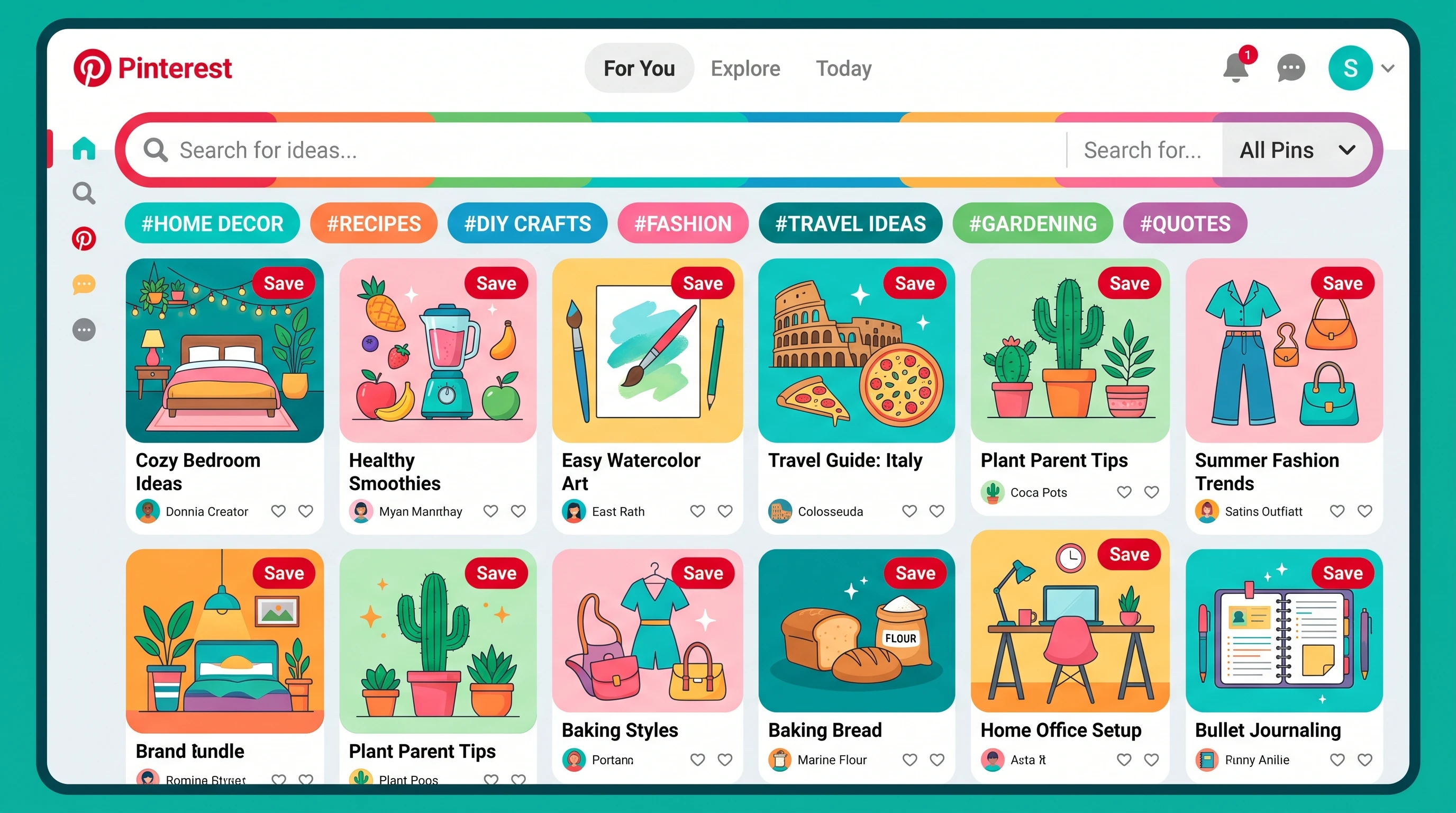
Pinterest isn’t just about pretty pictures; it’s a visual search engine filled with users actively looking for ideas, products, and services. Platforms like Instagram and TikTok now focus more on video, but Pinterest quietly holds its spot as the popular go-to place for planning and discovering new things. Statista even reported that Pinterest had over 465 million active monthly users at the start of 2026, showing steady growth well into the year.
People come to Pinterest with a clear intent, searching for inspiration around home decor, recipes, wedding planning, fashion, and countless other topics. That means optimizing your Pins for Pinterest SEO can pay off big time. Pins can keep ranking and sending you new traffic for months or even years after you post them.
Getting to Know Pinterest’s Algorithm
When I first started giving a once-over to my Pin optimization efforts, I realized fast that Pinterest works very differently than search engines like Google. It uses a mix of visual search, how relevant your keywords are, and engagement signals to pick what gets surfaced and recommended.
- Pin Quality: Crisp, well-lit images, clear branding, and descriptive text all help your Pin grab attention.
- Relevance: Pinterest wants to show users Pins that match their interests, so context and keywords are key.
- User Engagement: If people are saving, clicking, or zooming in on your Pins, Pinterest knows they’re helpful and shares them more.
- Fresh Content: The platform is always hungry for new Pins, even if you’re linking out to old blog posts or pages you made years ago.
Keeping these factors in mind changed the reach and long-term impact of my own Pins. Even small tweaks can make a difference in how widely your Pins get shared.
Pin Creation: The Foundation of Pinterest SEO
Creating an eye-catching and useful Pin is crucial. Good design is about more than just looking nice – it’s what helps your Pin stand out and quickly tells viewers what to expect if they click.
- Vertical Images: Images with a 2:3 aspect ratio (for example, 1000px by 1500px) take up more feed space, helping you snag more attention.
- Clear, Bold Text: Add short, bold text overlays highlighting your key message. That way, viewers instantly see what’s in it for them.
- Branded Colors and Fonts: Using consistent colors and logos helps build trust and make your Pins recognizable at a glance.
- Use of Templates: Tools like Canva make it easy to craft professional pins – you don’t need graphic design skills to keep things looking sharp.
I also try different variations for the same URL, mixing up images, text, or the way I word things to spot what resonates. A simple change in color or headline can sometimes double or triple a Pin’s results, so it’s worth giving a few options a shot.
Keyword Research: The Key Step Most People Skip
If you’ve ever started typing in Pinterest’s search bar, you’ll notice it suggests search terms as you go. Those suggestions can give a boost to your Pinterest SEO game. Here’s what I do for keyword research:
- Start in the Search Bar: Type your main topic and let Pinterest show you what’s trending by checking the auto-suggestions.
- Use Pinterest Trends Tool: I use the free Pinterest Trends tool (Pinterest Trends) every week to spot what users are looking up most.
- Analyze Top Pins: I give a once-over to what top-performing Pins in my field use for keywords and see what makes them click-worthy.
When I’ve picked my keywords, I blend them naturally into my Pin titles, descriptions, board names, and board descriptions. Keyword stuffing doesn’t feel right and rarely works, so I stick to a conversational, helpful tone.
The Anatomy of High-Performing Pin Descriptions
A great Pin description accomplishes a lot: it tells people what your Pin delivers, motivates them to take action, and includes keywords for better search visibility. Here’s my process:
- Lead with the Benefit: Start strong – “Easy weeknight dinner recipe ready in 30 minutes” will catch attention more than just “Pasta.”
- Detailed, Helpful Info: Explain what users get if they click. Setting expectations builds trust and motivates more clicks.
- Add a Call to Action: I often use clear prompts like “Click to get the recipe” or “Read the full guide.” It helps boost engagement.
- Keep Keywords Natural: Weave your primary and secondary keywords in where it’s easy to read for humans, not just robots.
Pinterest allows up to 500 characters for descriptions, but in my experience, 200–300 characters gives you the best results: enough info to inform, not overwhelm.
Optimizing Pinterest Boards for SEO
Boards aren’t just for sorting Pins. They can rank for keywords in Pinterest’s search, too. Here’s my strategy for maximizing board visibility:
- Choose Keyword-Rich Names: “Healthy Breakfast Recipes” is direct, clear, and tells Pinterest exactly what you’re offering. Avoid ultra-creative names that are too vague to be useful.
- Write Descriptive Board Details: Give specifics about what’s on the board and sprinkle in relevant keywords to help searchers and Pinterest’s algorithm.
- Pin Consistently: Adding new Pins on a regular basis helps keep your boards ranking and visible. Activity matters here.
For newer accounts, I recommend starting with 10–15 strong, well-optimized boards. Quality always beats quantity; a handful of active, interesting boards outshines dozens of empty ones.
Creating a Winning Pinning Schedule
Consistency is key in Pinterest SEO. Rather than pinning a whole batch of images at once, I space out uploads throughout the week. Here’s what’s helped me:
- Schedule with Tailwind: This tool lets me batch-create Pins and post them at the best times (Tailwind).
- Mix New and Old Content: Fresh Pins always get more reach, and even older links will benefit from a new, updated Pin.
- Mix My Own and Others’ Pins: Prioritize your content, but pinning high-quality Pins from others keeps your boards active and useful to followers.
With as little as 10–15 minutes daily, I’m able to keep my account growing and build lasting traffic month after month.
Common Pinterest SEO Challenges and How to Fix Them
I’ve hit plenty of stumbling blocks with Pinterest SEO, but being aware helps you sort things out faster. Here’s what I watch out for:
- Shadowbanning: Pins or profiles sometimes get flagged, hiding them from search. I steer clear of spammy tactics and only put out my own, original, well-made visuals.
- Declining Impressions: If numbers drop, I try new Pin designs, test out different keywords, or post on trending topics.
- Duplicate Content: Using the same image and link combo too much hurts reach. I switch up graphics or descriptions to breathe new life into my Pins.
- Slow Results: Pinterest is definitely a marathon. Some Pins take weeks or even months to climb in search, so I keep things moving and stay patient.
Regular updates and patience have kept my account moving forward, even when things slow down for a while.
Board Quality
Active, focused boards get better results than generic, empty ones. I always put effort into saving only relevant, valuable Pins for my followers, building trust and engagement along the way.
Graphic Design & Image Choices
Clear, well-lit photos and uncluttered designs work best. Images that are blurry or use tiny text never do well—easy-to-read, vibrant visuals go the distance.
Pinterest SEO Pro Tips for 2026
Ready to set your game apart? Here are some advanced steps that have given my Pins a real boost:
- Use Idea Pins: Pinterest’s Idea Pins (like stories with several pages) are getting extra reach lately. They show up in new places and get more saves, even if they don’t have direct links out.
- Claim Your Website: Verifying my site connects analytics with Pinterest and adds my logo to Pins, increasing credibility. Check out Pinterest’s guide to claiming websites for all the details.
- Enable Rich Pins: These pull info straight from your website to your Pins, adding powerhouse details and improving click rates. There are Rich Pins for products, recipes, and articles.
- Follow Seasonal Trends: Posting holiday or seasonal content two to three months ahead catches those who plan early and keeps your account relevant and timely.
I’m always testing fresh tactics and tracking Pinterest’s feature releases, so I can tweak my game plan and stay ahead of the curve. Don’t be afraid to adjust your approach as you learn what works for your audience.
FAQs on Pinterest SEO
Here are the biggest Pinterest SEO questions I get from beginners and seasoned pinners:
How long does Pinterest SEO take to work?
Some Pins pick up speed within days, while others may take a few months. Consistent effort, patience, and some experimentation make all the difference.
Do hashtags help with Pinterest SEO?
Pinterest has dialed down the impact of hashtags recently. I now focus more on writing natural, keyword-packed descriptions for best results.
Should I use Pinterest for my business or personal brand?
If your audience looks on Pinterest for inspiration or ideas, it’s worth it. Pinterest works for almost every niche, from food and DIY to digital marketing and tech tips.
Final Thoughts
Improving your Pinterest SEO is about making it easy for both people and Pinterest’s algorithm to understand what your content offers. If you lock in smart keyword research, creative Pin design, clear board structure, and steady pinning habits, your Pins have a much bigger shot at reaching new audiences. Curiosity and a willingness to test new strategies have made a noticeable difference for me—try it in 2024 if you want to watch your reach and results grow.