
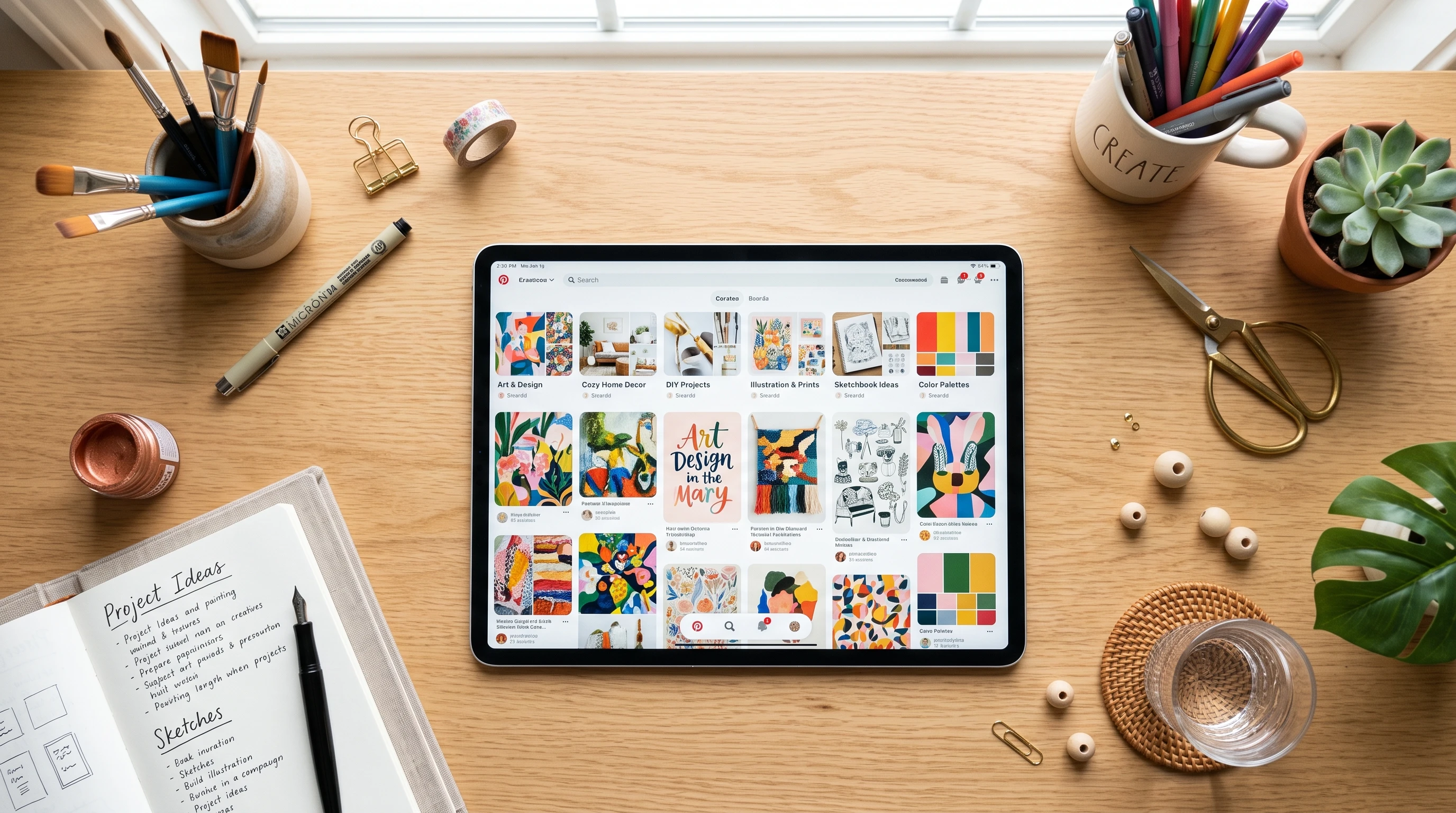
Pinterest boards make organizing creative ideas, project inspiration, and random finds into neat, visual collections super easy. Whether you’re saving home decor ideas, recipes you want to try, or outfit inspo, boards help keep Pinterest from turning into a cluttered mess of pins you can’t find later. I use them for everything from trip planning to mood boards for work projects, and they’ve been really helpful for keeping my ideas handy and accessible. In this article, I’ll explain how to use Pinterest boards to organize your pins, spark your creativity, and generally make Pinterest a more useful and fun resource.
Why Pinterest Boards Are So Handy
Pinterest started as a place for people to bookmark stuff they love online, but it has grown into a powerful tool for finding inspiration, fueling projects, and curating unique collections. As of this year, Pinterest has over 465 million active users, and a lot of them use boards to keep their interests and plans sorted. Boards aren’t only for personal use; tons of people use them for group projects, party planning, work research, collecting design trends, and so much more.
Boards make life easier for folks who have creative minds that get distracted by all the amazing content floating around the internet. Instead of dozens of open tabs and screenshots littered everywhere, you get all your shots of dream bedrooms, favorite quotes, or handy recipes tucked into tidy, themed visuals you can flip through whenever you want. You can build collections that save time and help you focus on achieving your goals without the hassle of scattered bookmarks or lost inspirations.
Getting Started: Creating and Customizing Your Pinterest Boards
If you’re new to Pinterest or haven’t really experimented with boards yet, making your first board is straightforward. Just hit the “+” button on your Pinterest homepage, select “Board,” name it something clear (like “Home Office Ideas” or “Best Pasta Recipes”), and you’re ready to save pins to it.
You also have options to keep boards secret (so only you can see them) or invite friends or coworkers to pin along with you. I often make projects like “Team Design Updates” into shared boards so everyone in the group can add their finds or ideas. It’s very useful when collecting ideas for a group project or event.
Organizing your boards is simple as well. You can create board sections for even more detail. For instance, my “Home Decor” board has sections for “Living Room,” “Bedroom,” and “DIY Projects.” Pinterest allows you to rearrange sections and pins, so switching up your priorities or inspiration as your project moves forward is super simple. Try mixing up the visuals for extra customization; some people even use emojis in board names or section titles for quicker recognition.
How to Organize Your Life With Pinterest Boards
- Recipes: Use one board for weeknight dinners, another for desserts you want to try, or break it down by dietary type or occasion. It’s easy to pull up on your phone or tablet when you’re in the kitchen, making meal preparation more efficient.
- Travel Planning: Create a board for your next big trip and split it up by city or region. Save sights, restaurant reviews, packing tips, and travel guides all in one organized place. It really comes in handy for trip planning.
- Home Projects: Save DIY projects, paint colors, and furniture finds in boards devoted to each room. Once a project is complete, it’s fun to look back on where your design ideas started.
- Personal Growth: Make boards for reading lists, inspiring quotes, bucket lists, and workout routines—anything that keeps you motivated or tracks progress toward your goals.
- Work or School: Collect research, case studies, sample designs, or reference images to make study sessions or team collaborations run more smoothly. Having visual references neatly tucked away can be a game-changer for productivity.
Board Organization Tips and Pin Management
A bit of organizing early on saves time and headaches later. Here are some helpful tips for using boards efficiently:
- Give Boards Clear Names: Simple, descriptive names are easier to search and scan when you’re in a hurry.
- Use Sections: Split large boards into clear sections for easy browsing. This is especially helpful for recipe or inspiration boards that grow quickly.
- Archive Old Boards: When a project wraps up, you can archive a board. This keeps it out of your main view but still accessible if you want to reference past ideas.
- Keep Pins Updated: Sometimes a pin’s link breaks or the information becomes outdated. Take a few moments now and then to check your pins and remove anything that’s no longer useful.
- Add Descriptions and Notes: If a pin has a special use, or you’ve tried it and have feedback, jot down a quick note. This adds a personal touch and makes your boards even more helpful.
Fresh Ways to Use Pinterest Boards for Inspiration
- Mood Boards: If you’re working on a creative project, be it redecorating, brand planning, or curating the vibe for a party, a mood board pulls together colors, textures, fonts, and ideas in a snap. Skimming your mood board can be the spark for your best work.
- Vision Boards: Make your goals feel more real by pinning dream jobs, travel destinations, or new skills you want to learn. Many people check their vision boards for motivation when they need a boost.
- Seasonal Organization: Create boards for every season—”Winter Entertaining,” “Summer Fashion Finds”—so the right ideas are always at your fingertips and easy to find.
- Professional Portfolios: Designers, writers, and creatives set up portfolio boards to show off their best work or curate samples for clients. It’s an easy way to share with potential employers or keep your top pieces handy.
- Learning Boards: Try making a board to collect helpful how-tos, videos, or guides. Over time, you’ll have your own personalized library you can return to whenever you need to freshen up those skills.
What to Remember Before You Go Wild Pinning
Pinterest boards are simple, but a few pitfalls can make them less useful if you’re not careful:
- Pin Overload: Saving everything that catches your attention can leave boards bloated and tough to manage. Schedule a little time to sort and reorganize your pins every so often.
- Privacy Settings: Some pins might be ideas you want to keep private—like gift ideas or private projects. Secret boards help you keep things under wraps until you’re ready to share.
- Original Sources: Not every pin links to a solid source. Always check links for recipes or how-tos so you’re not left hunting down missing instructions at the last minute.
- Copyright and Credit: For public boards, make an effort to credit creators properly. Supporting artists and makers gets the word out about their talent and keeps your account in good standing.
Taking Board Organization Further
If you use Pinterest a lot, some browser extensions and add-ons can speed up organizing. Using a browser pin button lets you save cool ideas from any website straight to your chosen board. If you’re working on a big project, custom board covers (thumbnail images for each board) make your Pinterest page look polished and help you spot the board you need faster.
Pro Tips for Using Pinterest Boards Creatively
Once you’ve got the hang of organizing and pinning, you can get even more from your Pinterest boards by trying these fun twists:
Work With Friends or Colleagues: Invite people to pin to shared boards for party planning, shopping, or brainstorming. This way, everyone gets to contribute ideas without long email threads or forgotten notes.
Use Pinterest for Ongoing Inspiration: Treat a board like a digital scrapbook and save things that spark your interest as you browse. On days you need a creative nudge, your collection can light the way.
Make Unique Themed Boards: Try quirky themes like “Books to Read,” “Gardens That Wow,” or “Rainy Day Projects.” The more you personalize your boards, the more useful and inspiring they become over time.
Frequently Asked Questions
Question: How many boards should I make?
Answer: It’s totally up to you! Some folks like just a handful of big, general boards (“Food,” “Style,” “Travel”), while others prefer a bunch of specific boards for niche interests. Go with whatever is easiest for you to keep updated.
Question: Can I rearrange or combine boards?
Answer: Pinterest allows you to move pins between boards or even group boards together if you need to streamline your setup. There isn’t a single click to “merge” boards, but copying and deleting pins gets the job done easily.
Question: Is Pinterest just for home and food inspiration?
Answer: Not at all! You’ll stumble upon ideas for marketing strategies, fitness plans, tech gadgets, classroom activities, and portfolios. There’s really no limit to how you can get creative with boards.
Wrapping Up
Pinterest boards help transform endless scrolling into concrete action: organizing ideas, collecting inspiration, and getting ready for real-life projects. Starting is simple, and using boards across areas of your life keeps Pinterest functional and fun instead of overwhelming. Each well-organized board is like your own treasure chest, ready for you whenever you need a dose of inspiration or a starting point for your next adventure. Happy pinning!